M MES-DEV Tools
Back to all apps

About this app

Generate strong passwords and manage them securely — fully offline, no subscription

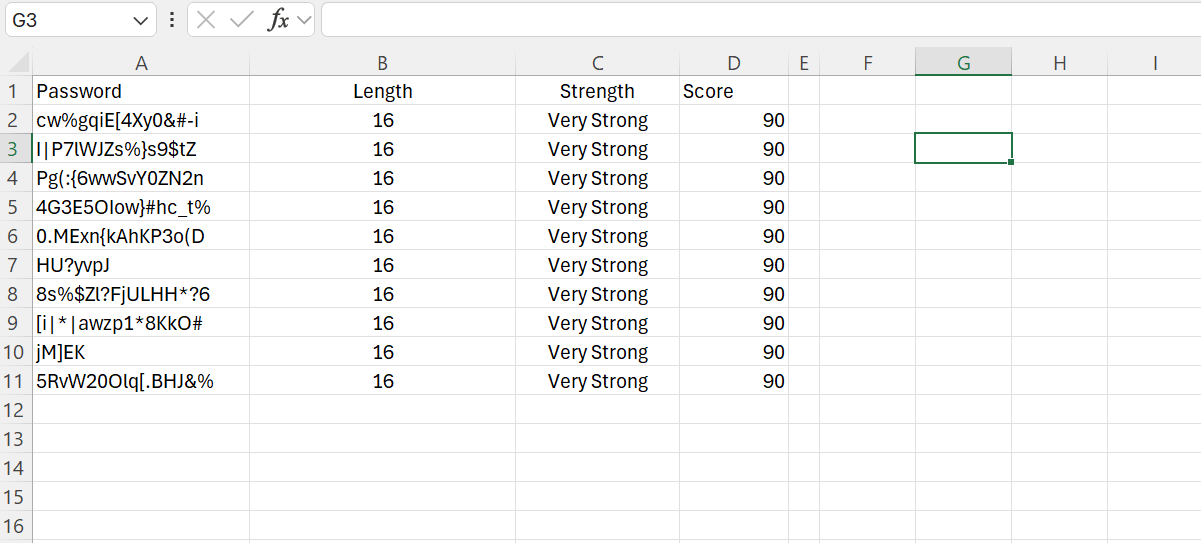
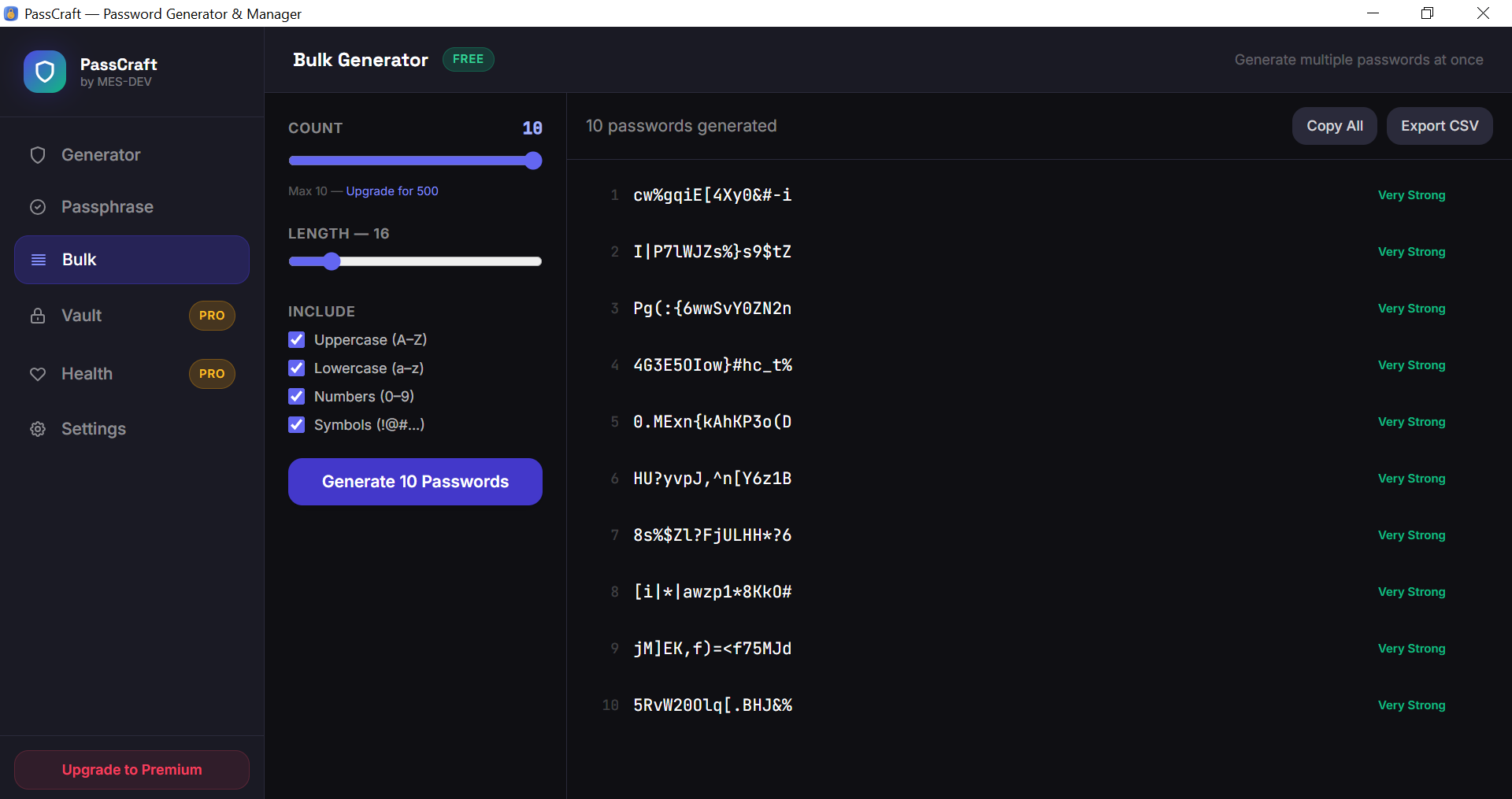
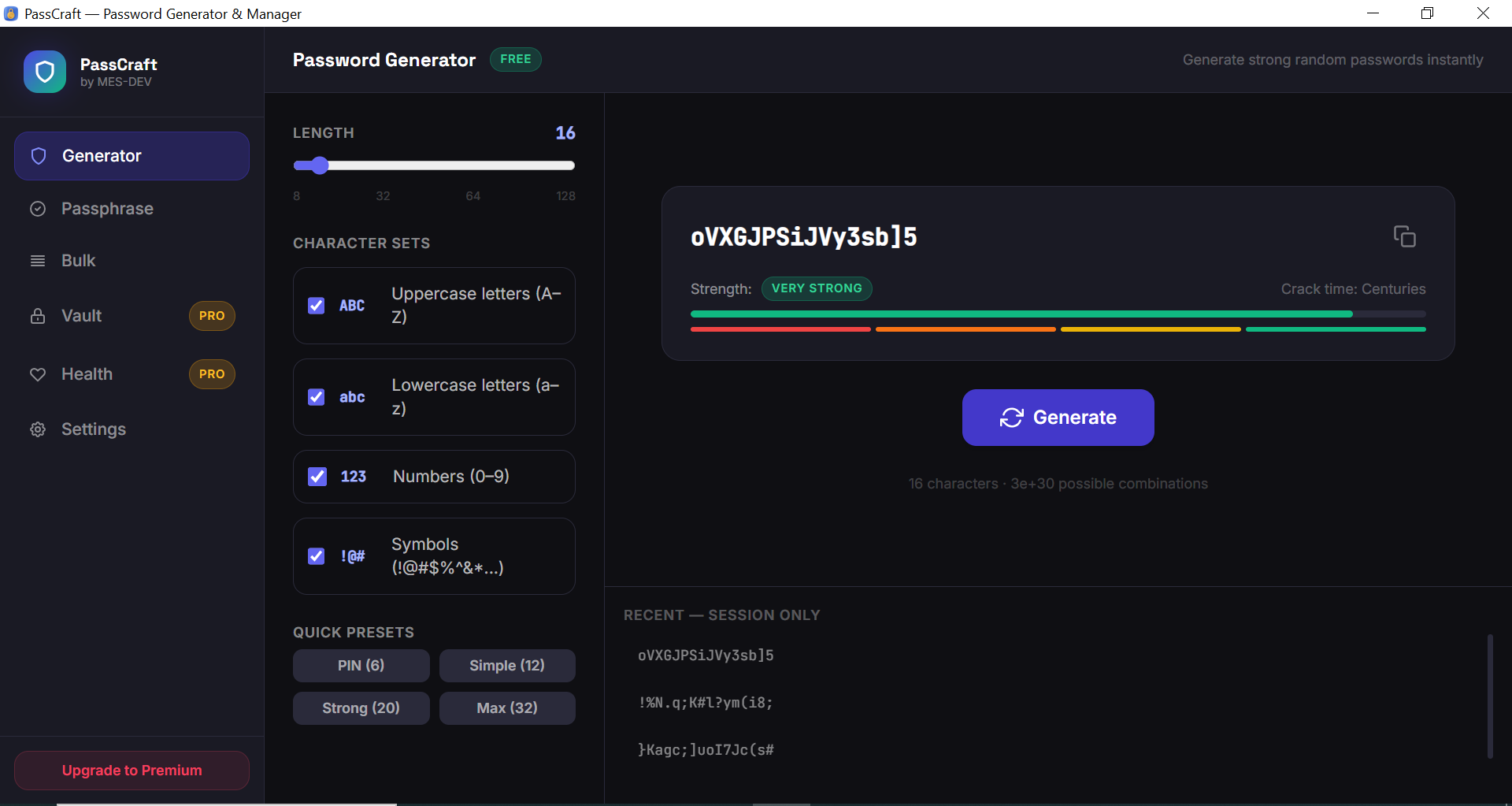
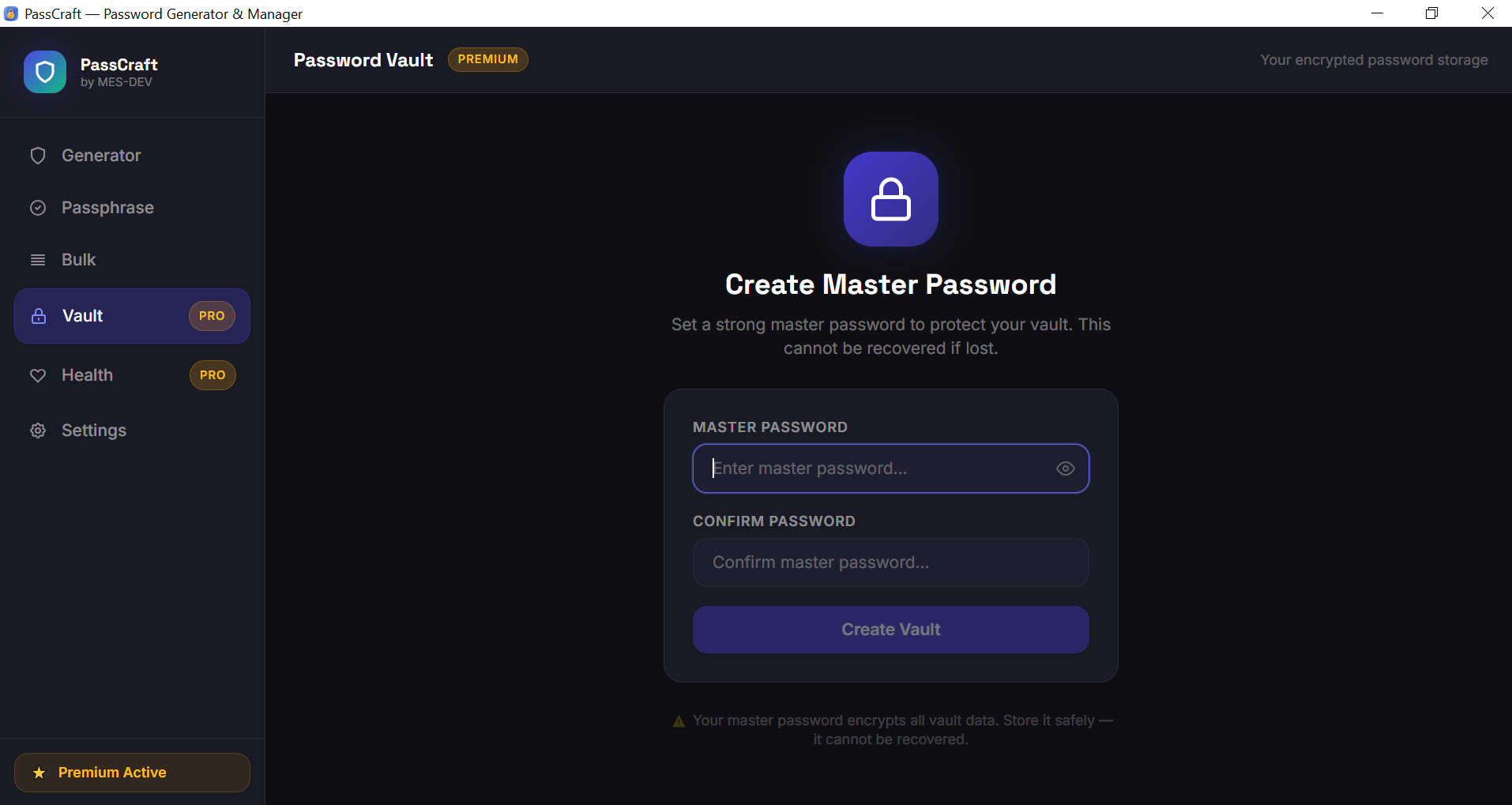
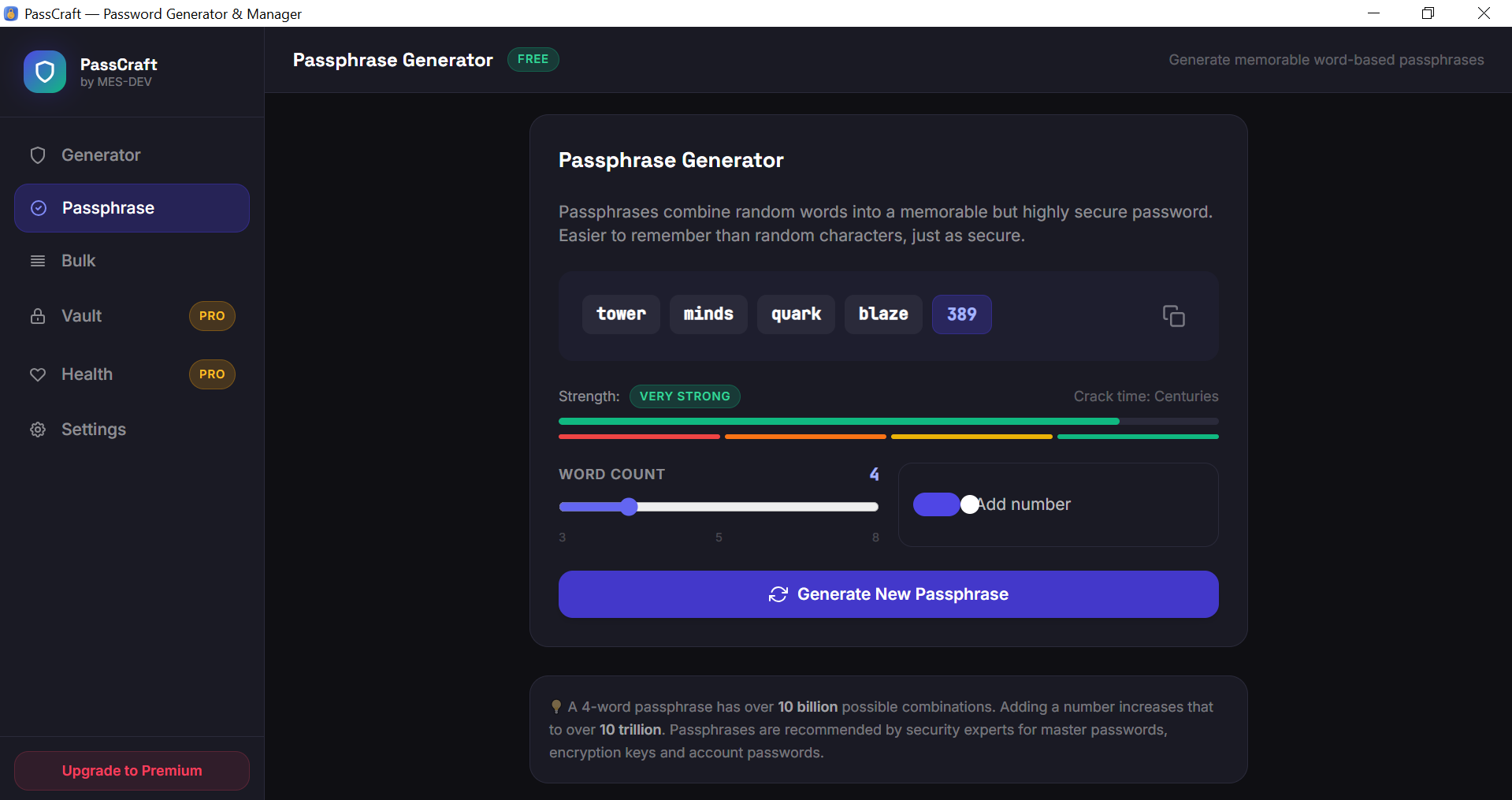
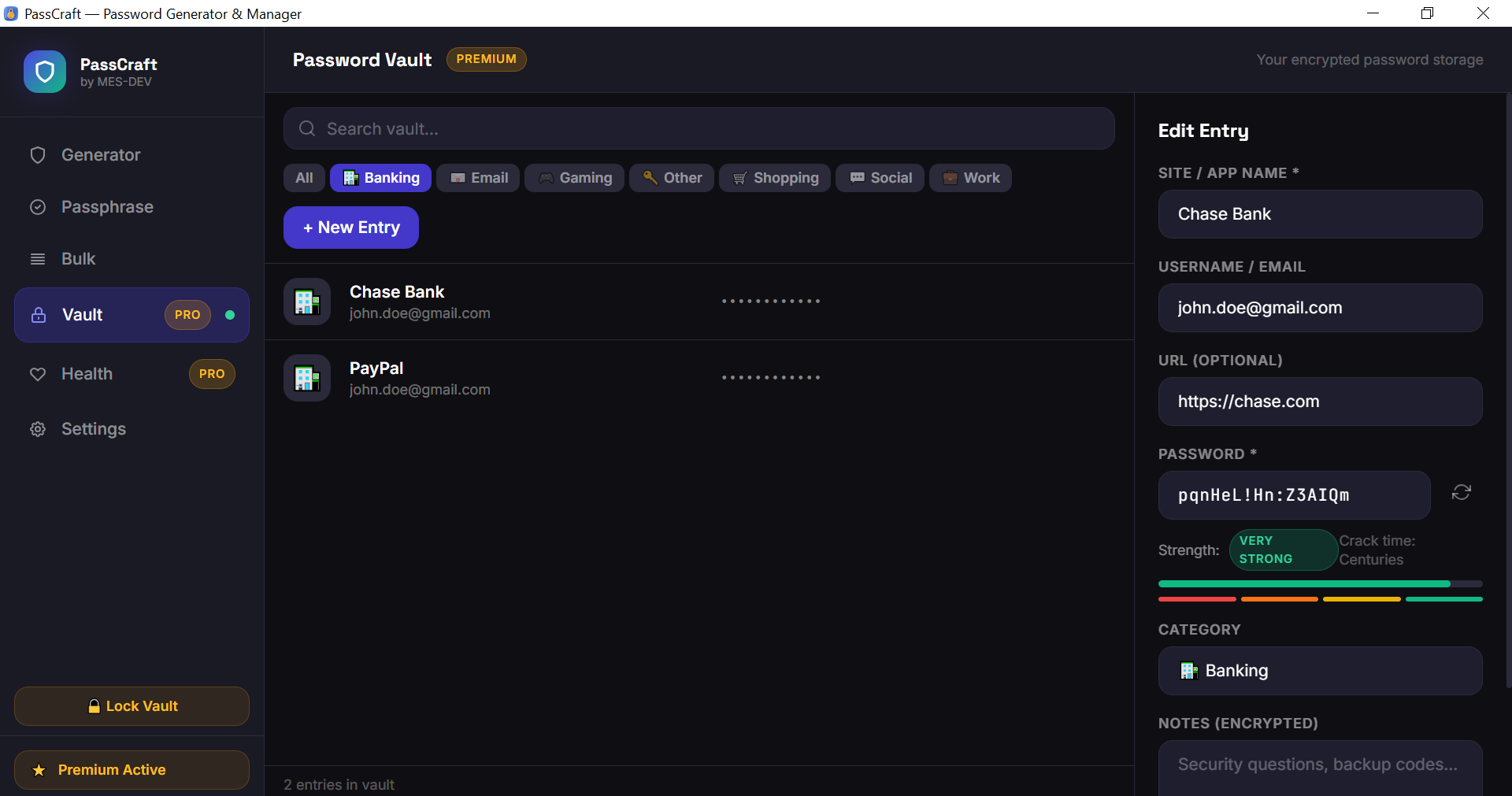
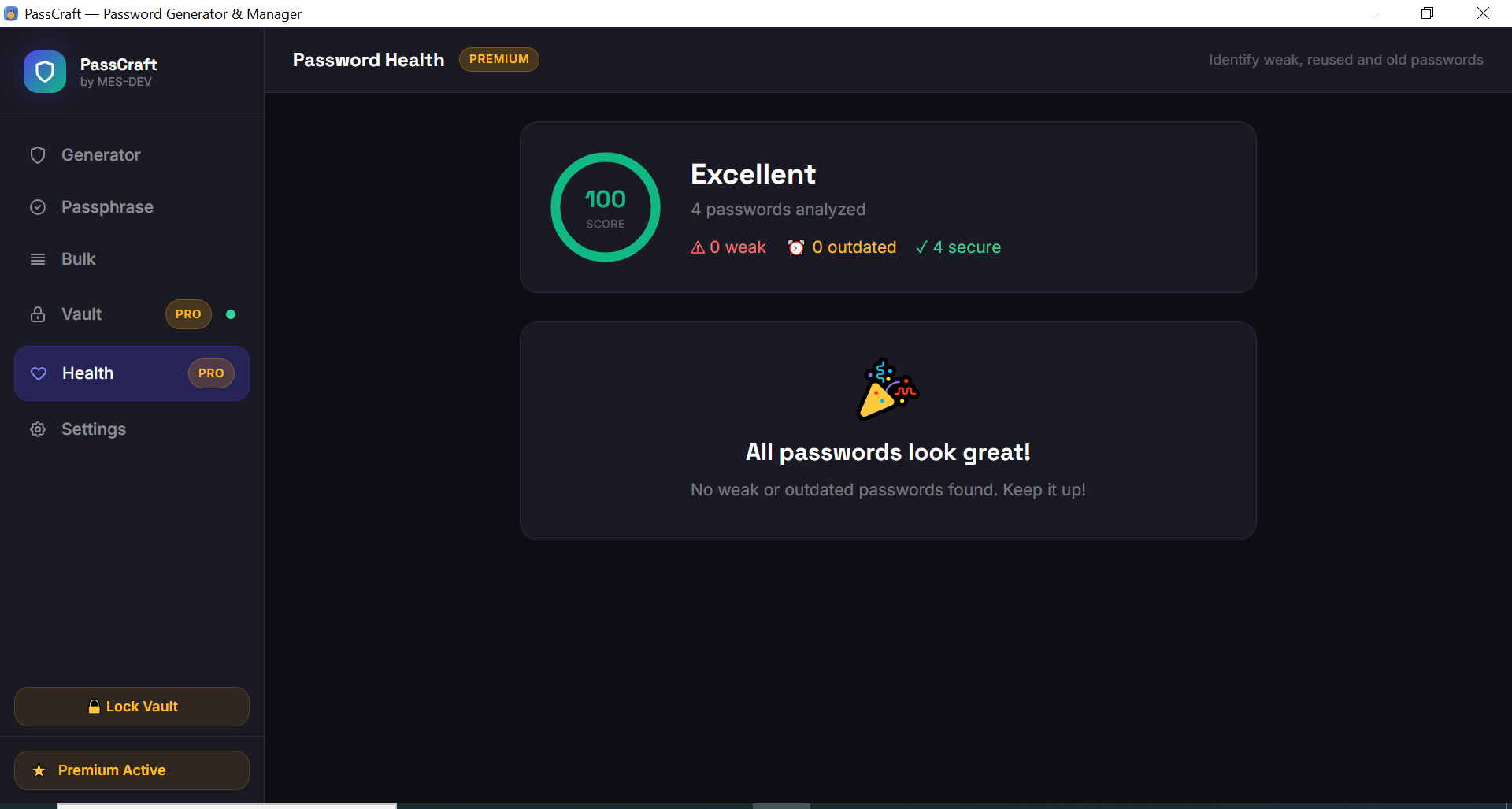
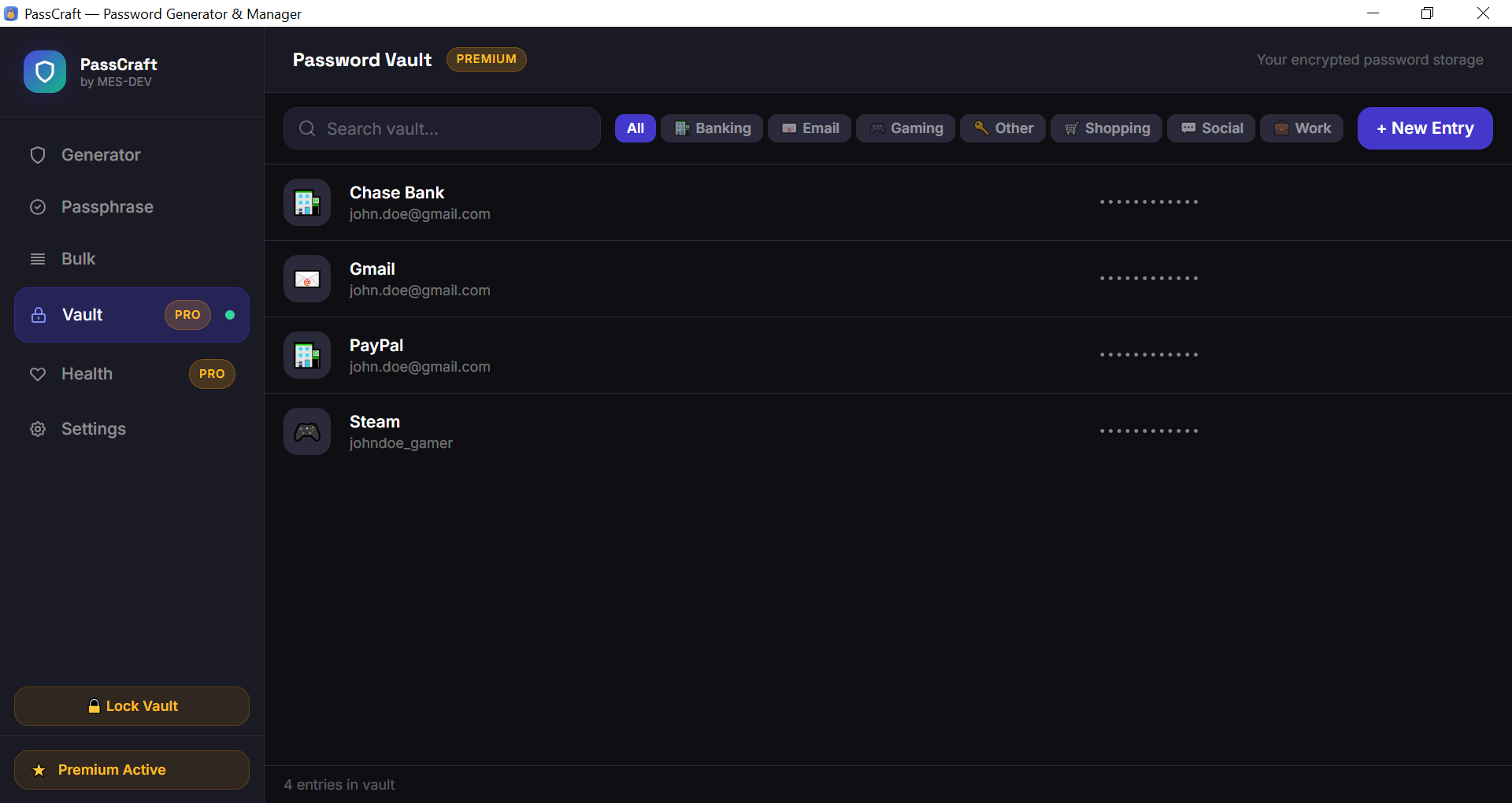
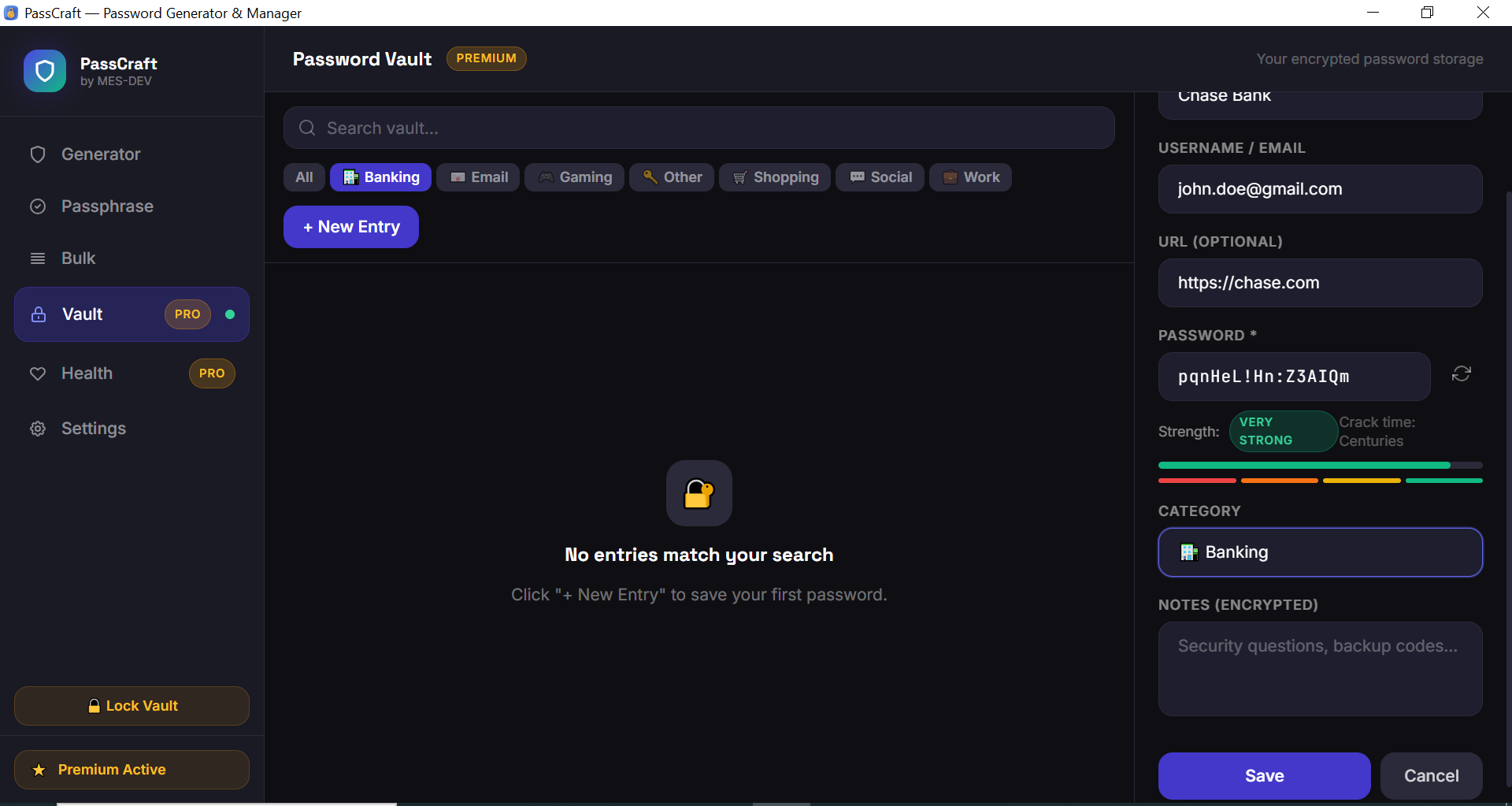
PassCraft is a lightweight, professional password generator and manager for Windows — built for everyone who wants stronger passwords without trusting a cloud service. No internet required. No monthly fees. Your data stays on your machine, encrypted and private. Free Features: - Password Generator with full control over length (8–128 chars) and character sets - Toggle uppercase, lowercase, numbers and symbols independently - Real-time password strength meter with crack time estimate - One-click copy to clipboard - Quick presets: PIN, Simple, Strong, Maximum - Passphrase Generator — memorable word-based passwords (3–8 words) - Bulk Generator — generate up to 10 passwords at once - Session history — last 20 generated passwords - Export bulk passwords to CSV Premium Features: - Encrypted Password Vault — AES-256-GCM encryption with master password (Argon2id hashing) - Save unlimited entries with site name, username, password, URL and notes - 7 built-in categories: Social, Banking, Work, Shopping, Email, Gaming, Other - Reveal and copy passwords directly from the vault - Password Health check — identifies weak and outdated passwords - Visual health score with actionable recommendations - Auto-lock vault after inactivity (1/5/15/30 minutes) - Unlimited bulk password generation (up to 500 at once) - Encrypted notes per entry — store security questions and backup codes safely Security Architecture: - Master password hashed with Argon2id (industry standard) - Each entry encrypted with AES-256-GCM - Encryption key derived using PBKDF2-SHA256 (100,000 iterations) - Random 96-bit nonce per encryption — no two ciphertexts are identical - All cryptography runs in Rust — never in JavaScript - SQLite database stored locally — zero cloud sync, zero telemetry

password generator vault security encryption offline privacy windows productivity

Screenshots

1 / 9
PassCraft screenshot 1
Click to enlarge
PassCraft screenshot 2
Click to enlarge
PassCraft screenshot 3
Click to enlarge
PassCraft screenshot 4
Click to enlarge
PassCraft screenshot 5
Click to enlarge
PassCraft screenshot 6
Click to enlarge
PassCraft screenshot 7
Click to enlarge
PassCraft screenshot 8
Click to enlarge
PassCraft screenshot 9
Click to enlarge

Changelog

## v1.0.0 — Initial Release - Password Generator with full character set control and length 8–128 - Real-time strength meter with crack time estimate - Passphrase Generator (word-based, 3–8 words) - Bulk Generator — up to 10 passwords free, 500 with Premium - Session history — last 20 generated passwords - Premium: AES-256-GCM encrypted vault with Argon2id master password - Premium: 7 password categories with icons - Premium: Password Health check — weak and outdated password detection - Premium: Auto-lock vault after inactivity - Premium: Encrypted notes per entry - All encryption runs natively in Rust — zero JavaScript crypto - Lightweight installer under 5 MB — no runtime required

Unlock Premium Features

Optional add-on — activated inside the app with a license key

$9.99 one-time

Always free to download & use

You can download PassCraft completely free and use it for as long as you want — no time limit, no watermarks, no restrictions on core features. Premium is purely optional: a one-time purchase that unlocks advanced capabilities directly inside the app.

What you unlock with Premium:

Encrypted Password Vault — AES-256-GCM encryption with master password (Argon2id hashing)
Save unlimited entries with site name, username, password, URL and notes
7 built-in categories: Social, Banking, Work, Shopping, Email, Gaming, Other
Password Health Check — identifies weak and outdated passwords with a visual health score
Auto-lock vault after inactivity (1, 5, 15, or 30 minutes)
Unlimited bulk password generation — up to 500 passwords at once
Encrypted notes per entry — store security questions and backup codes safely
All cryptography runs in Rust with AES-256-GCM and Argon2id — zero cloud, zero telemetry
Log in to unlock Premium — $9.99
Lifetime license Key via email Pay once

14-Day Money-Back Guarantee

Risk-Free

Not satisfied? Email us within 14 days for a full refund — no questions asked.

User reviews

0 reviews

Write a review

Log in to download this app and leave a review.

No reviews yet — be the first!