About this app
Run your car rental business, end to end.
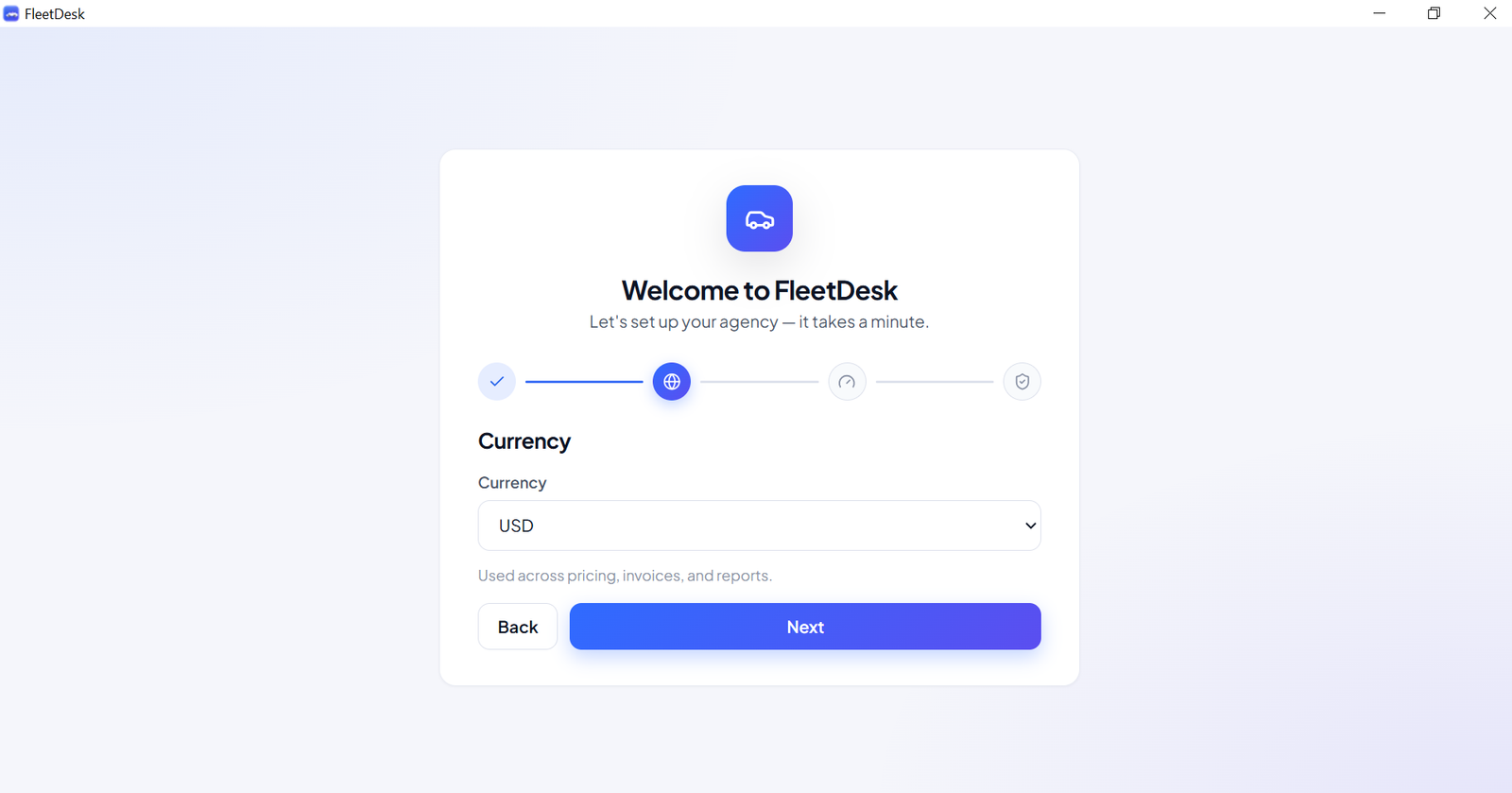
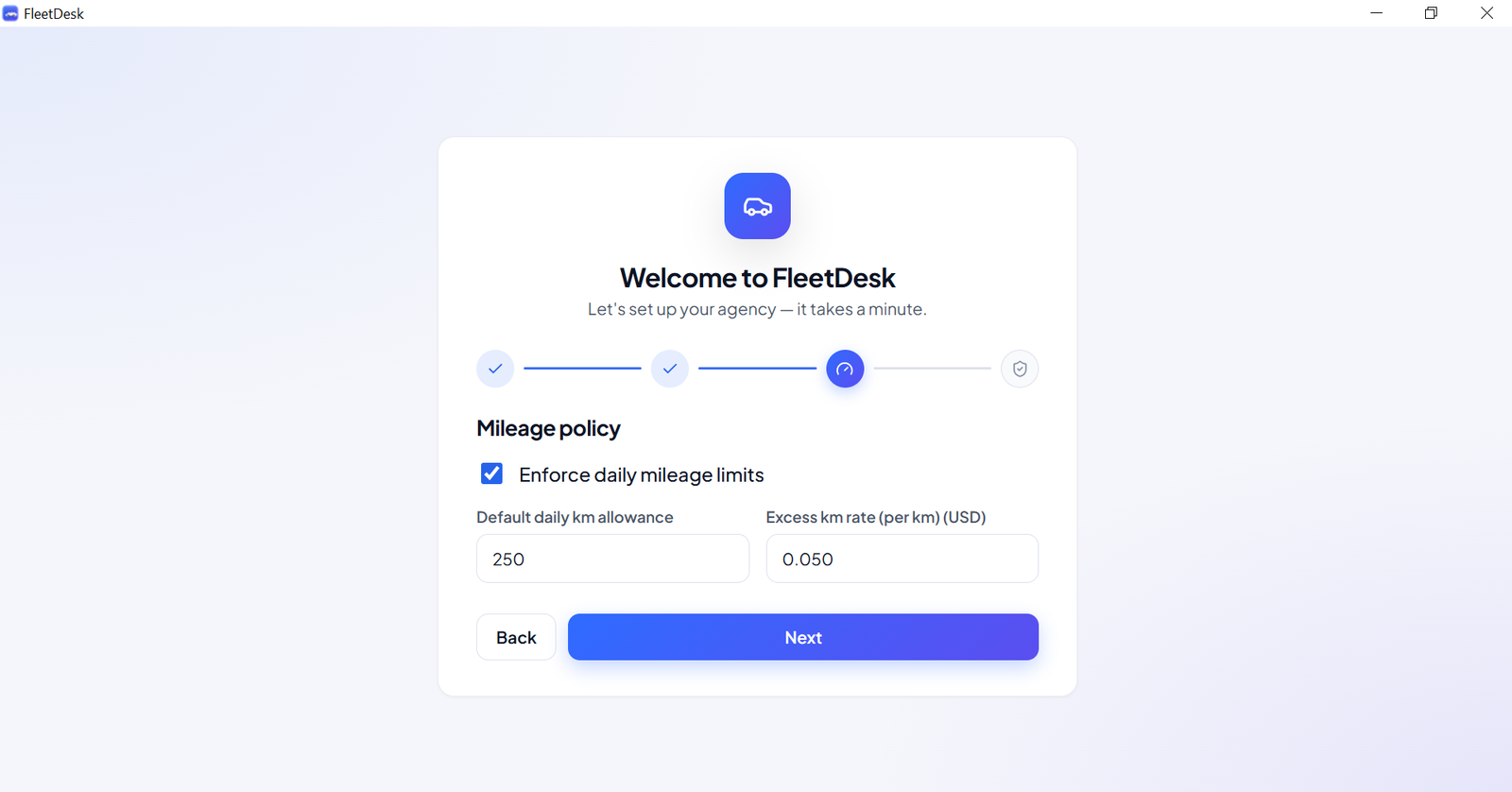
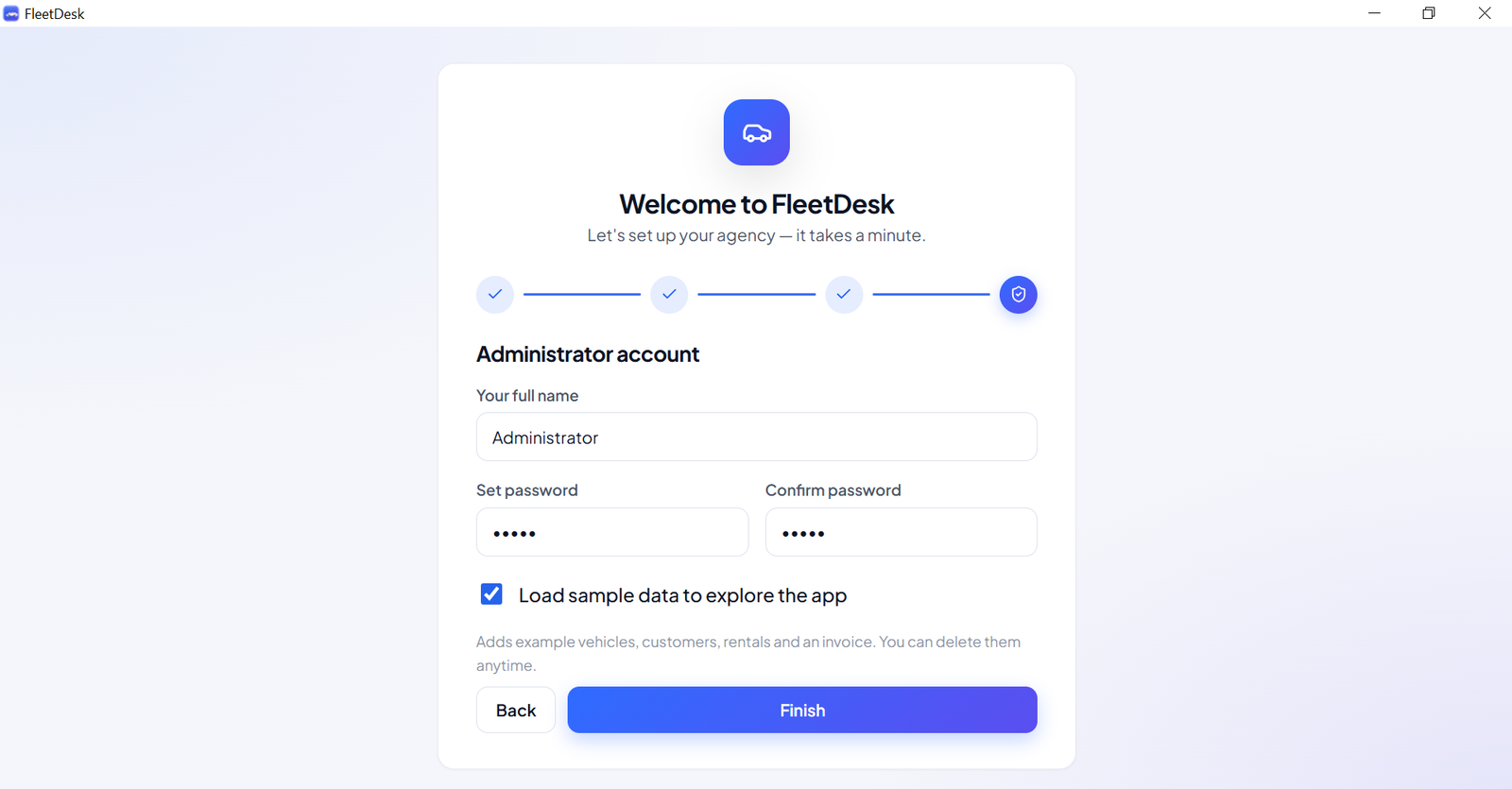
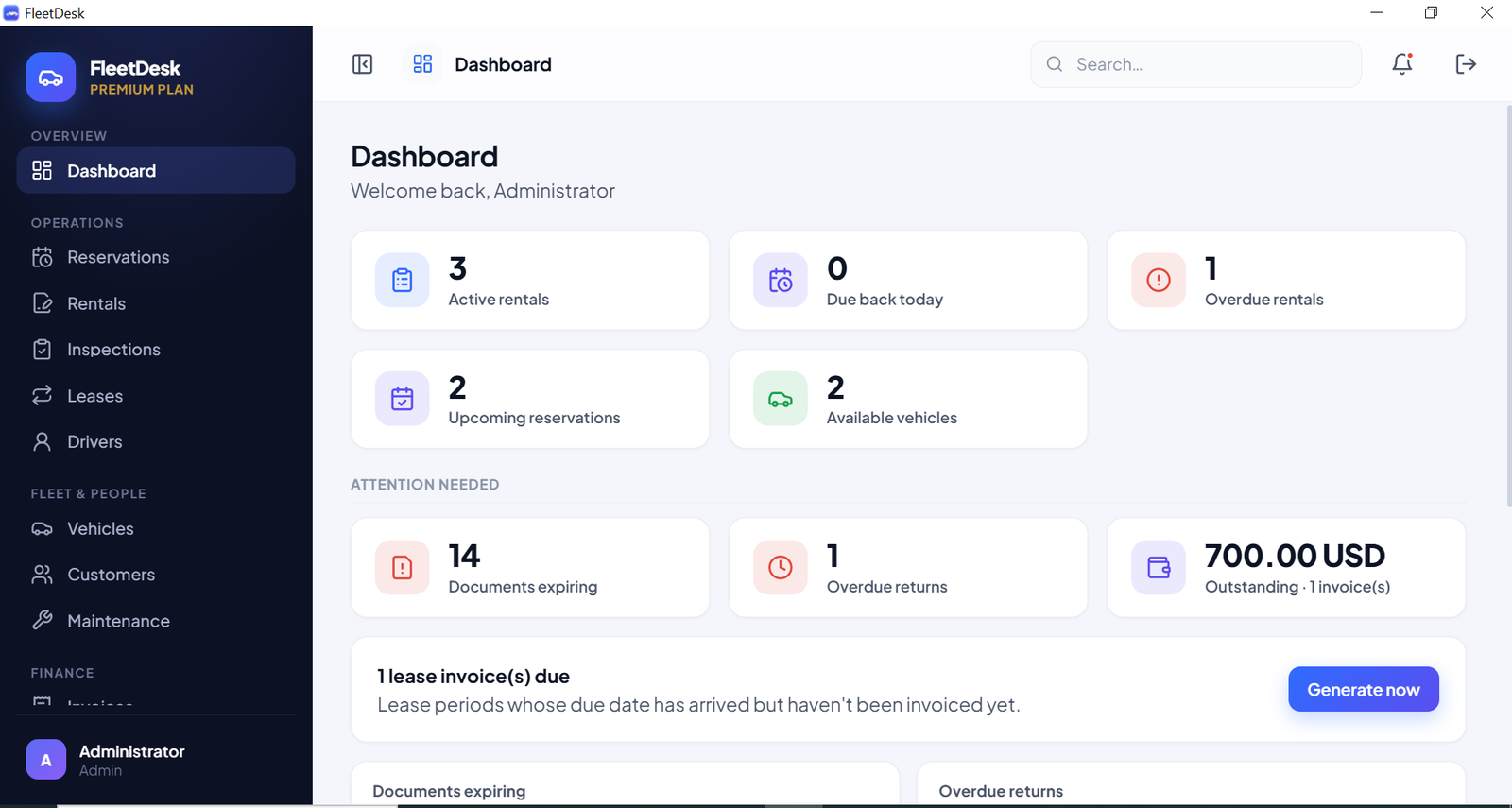
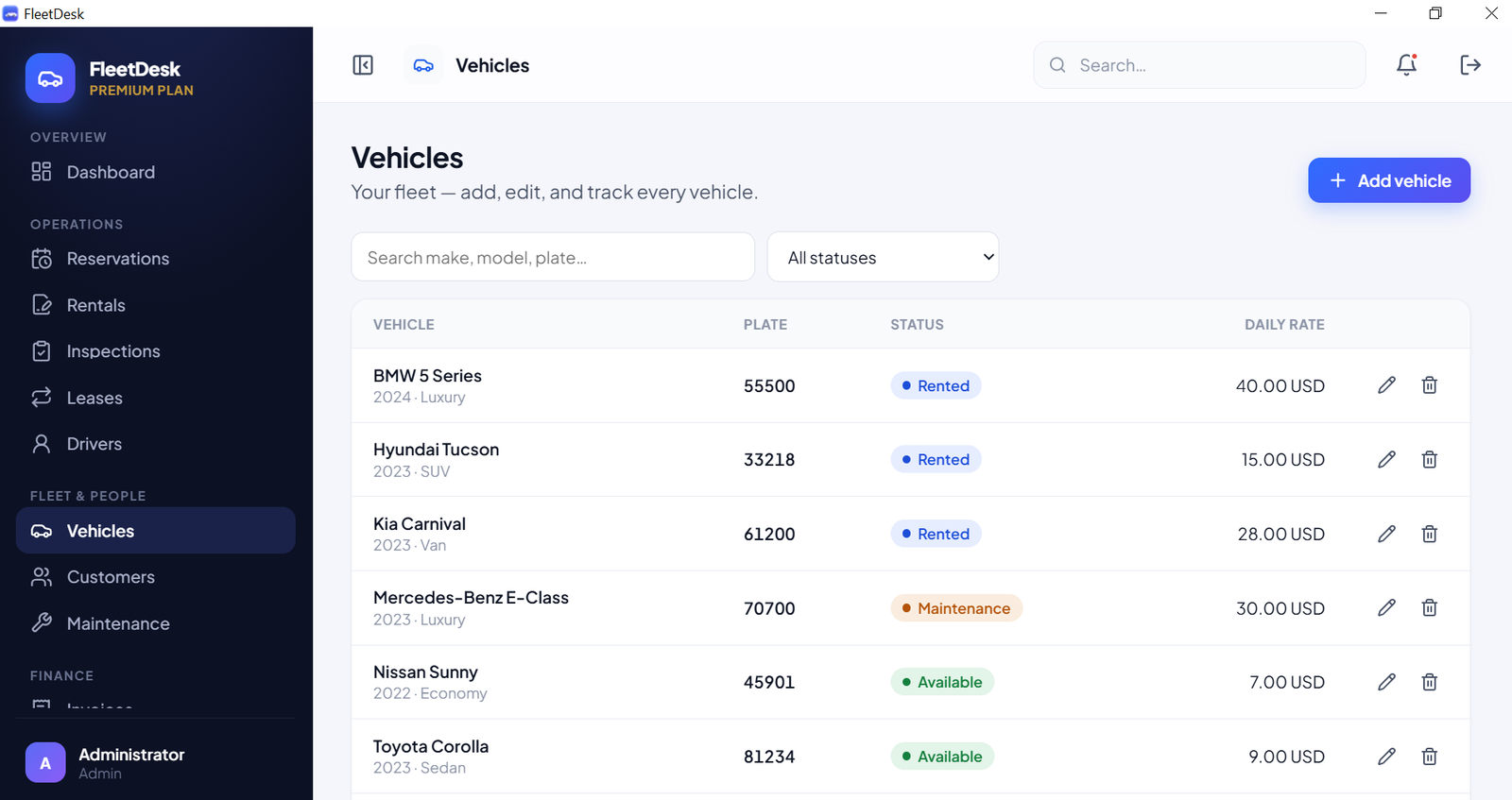
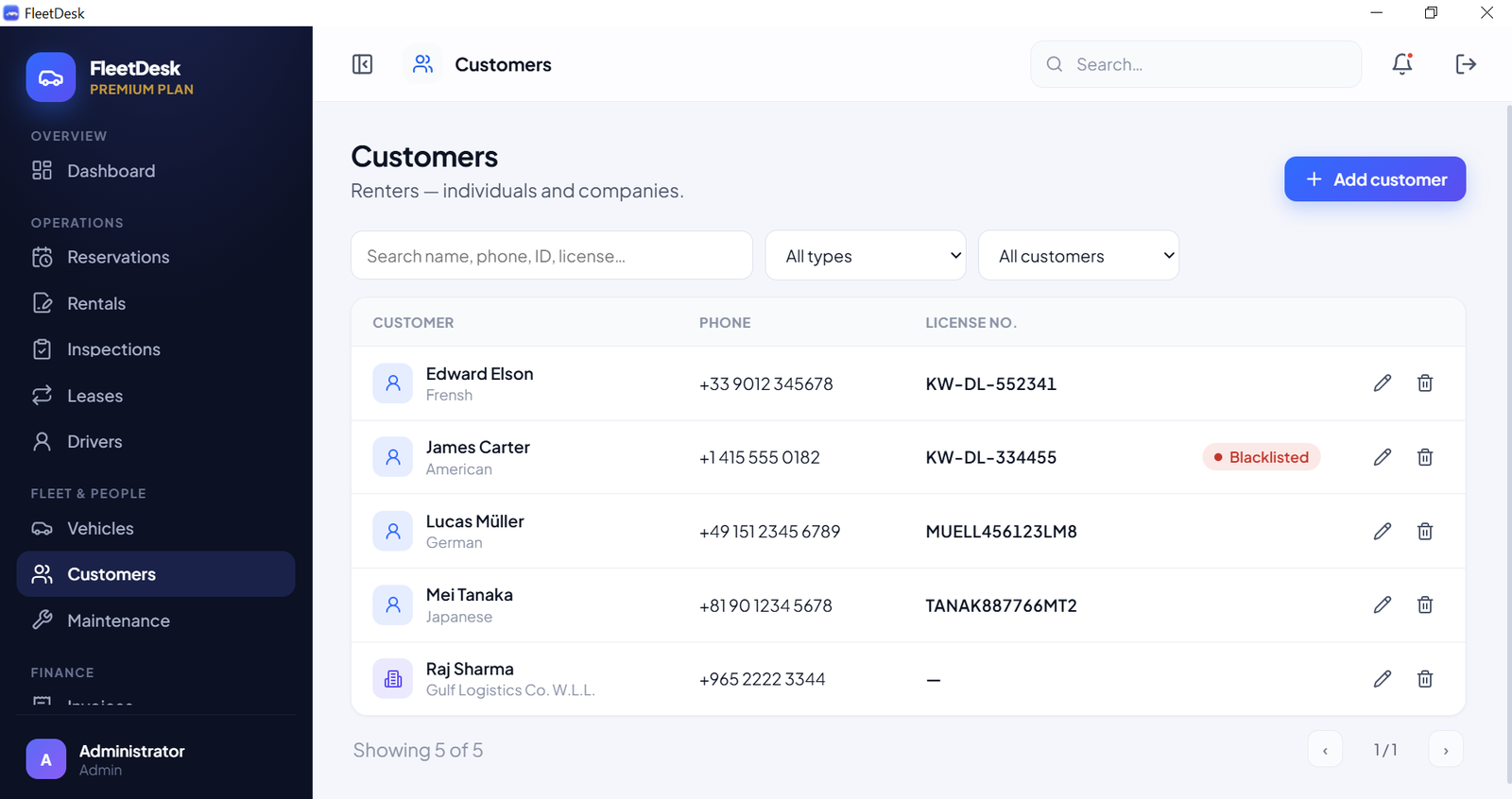
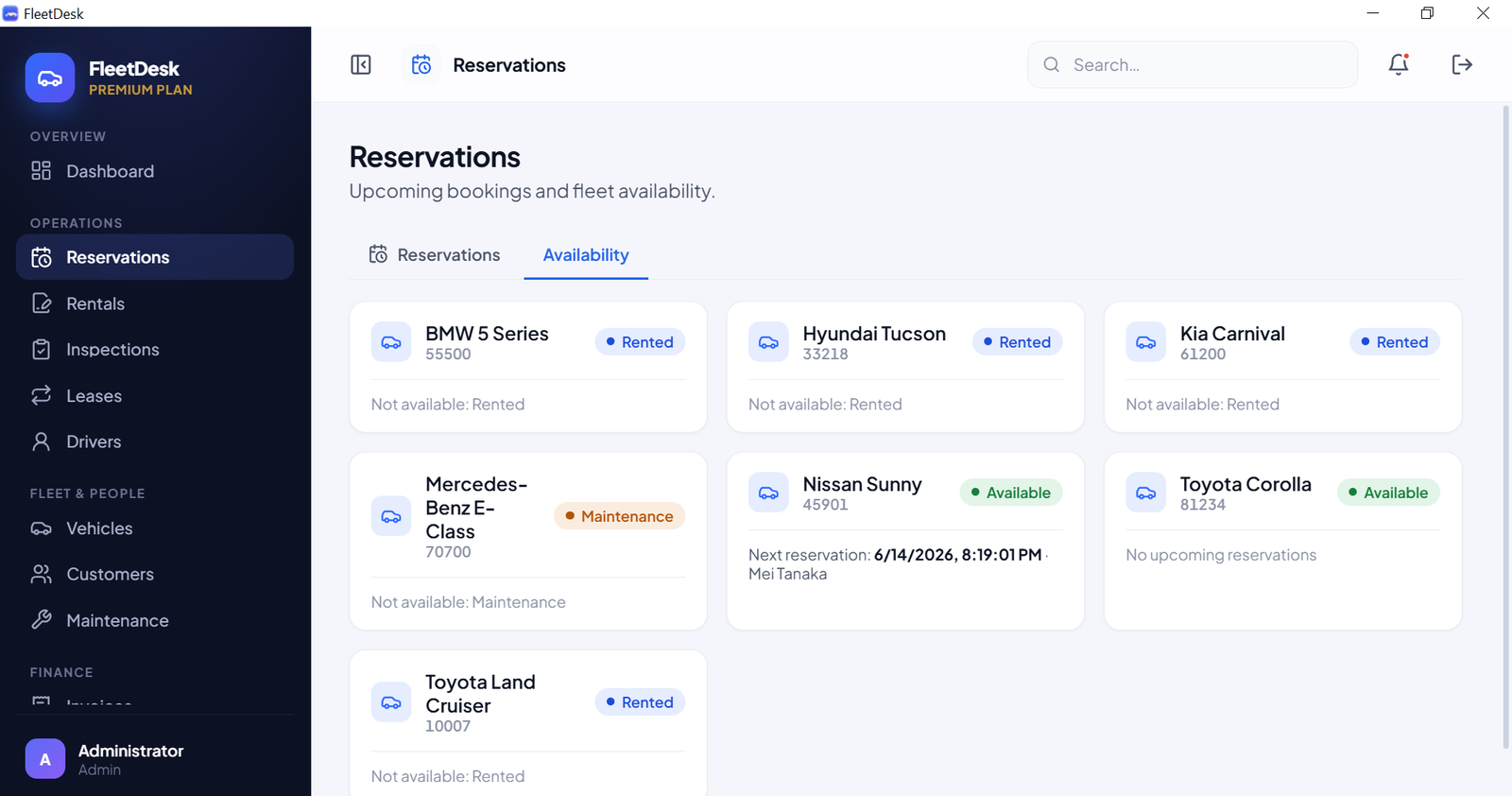
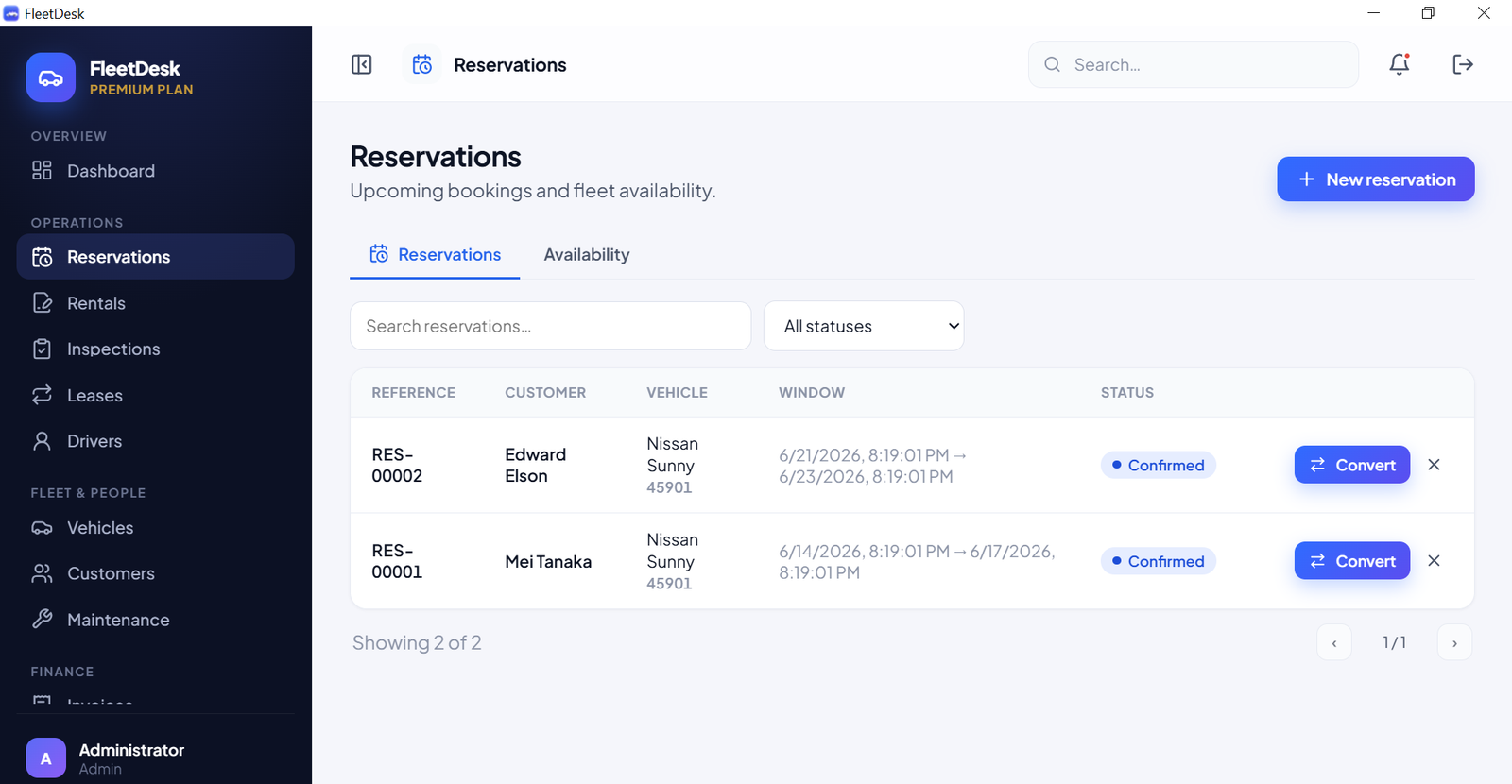
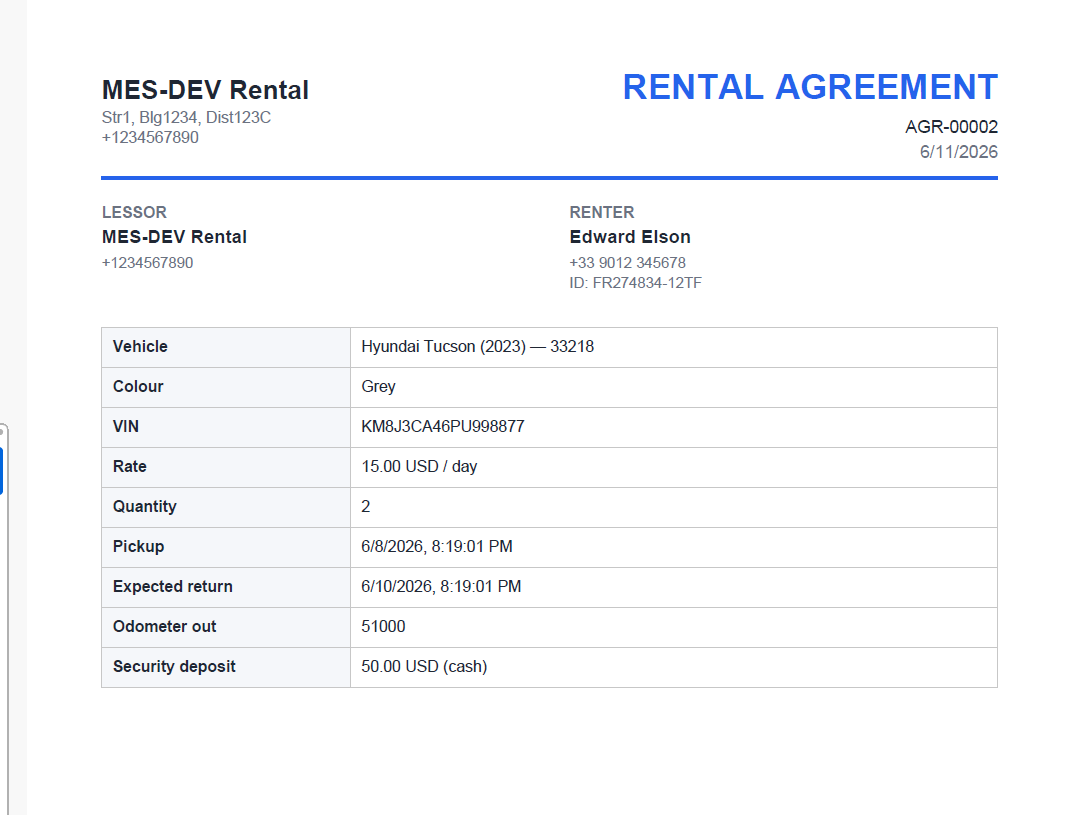
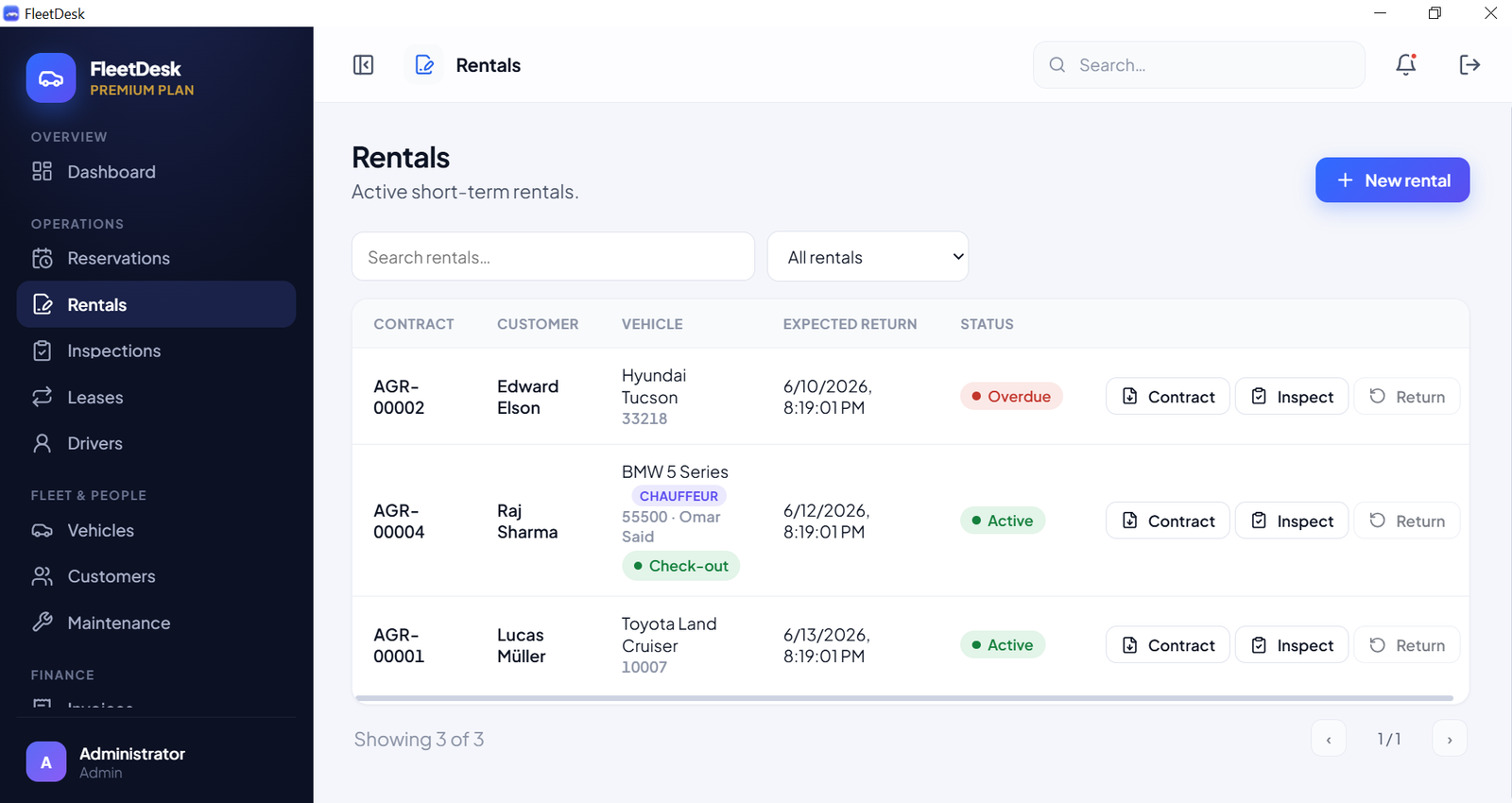
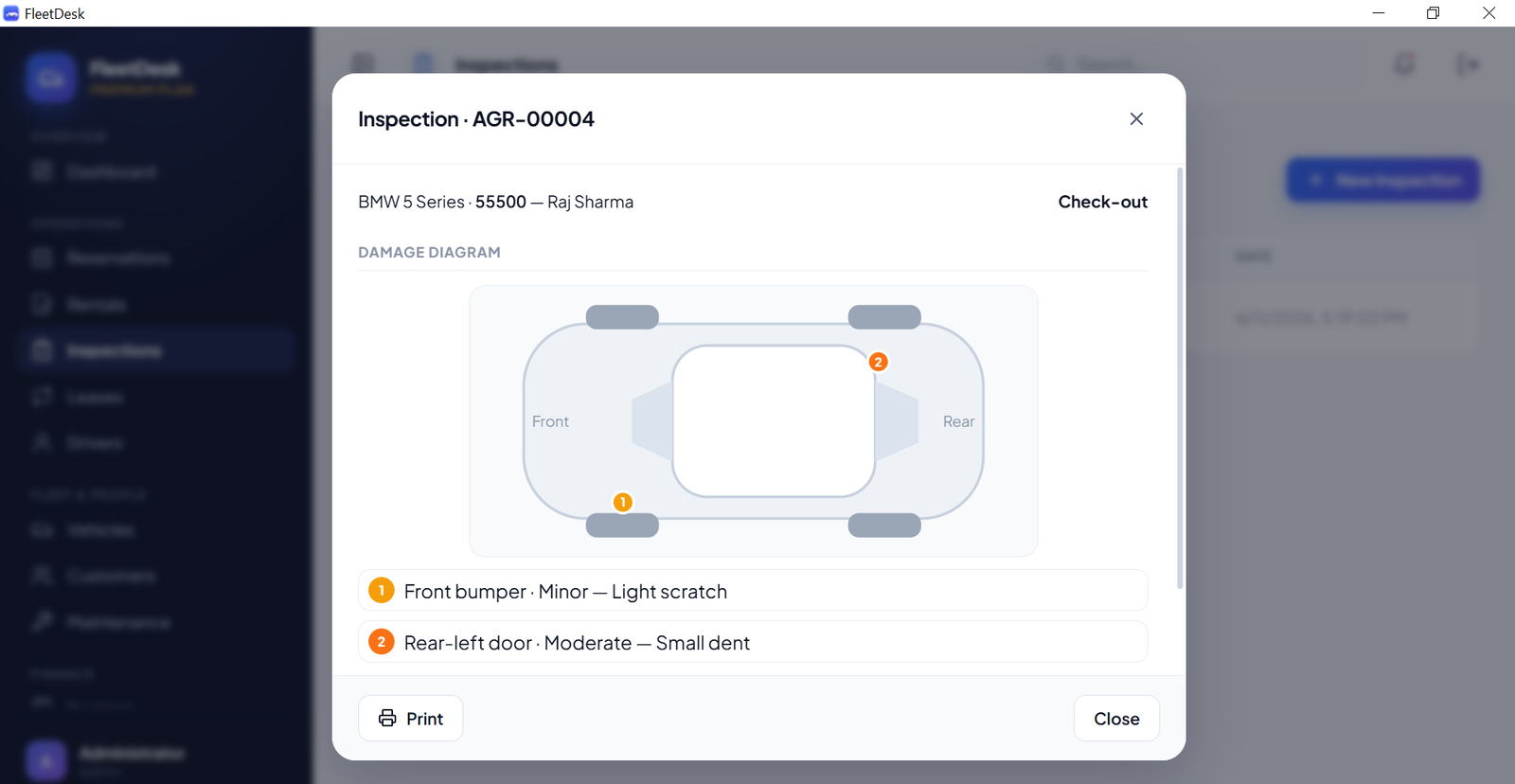
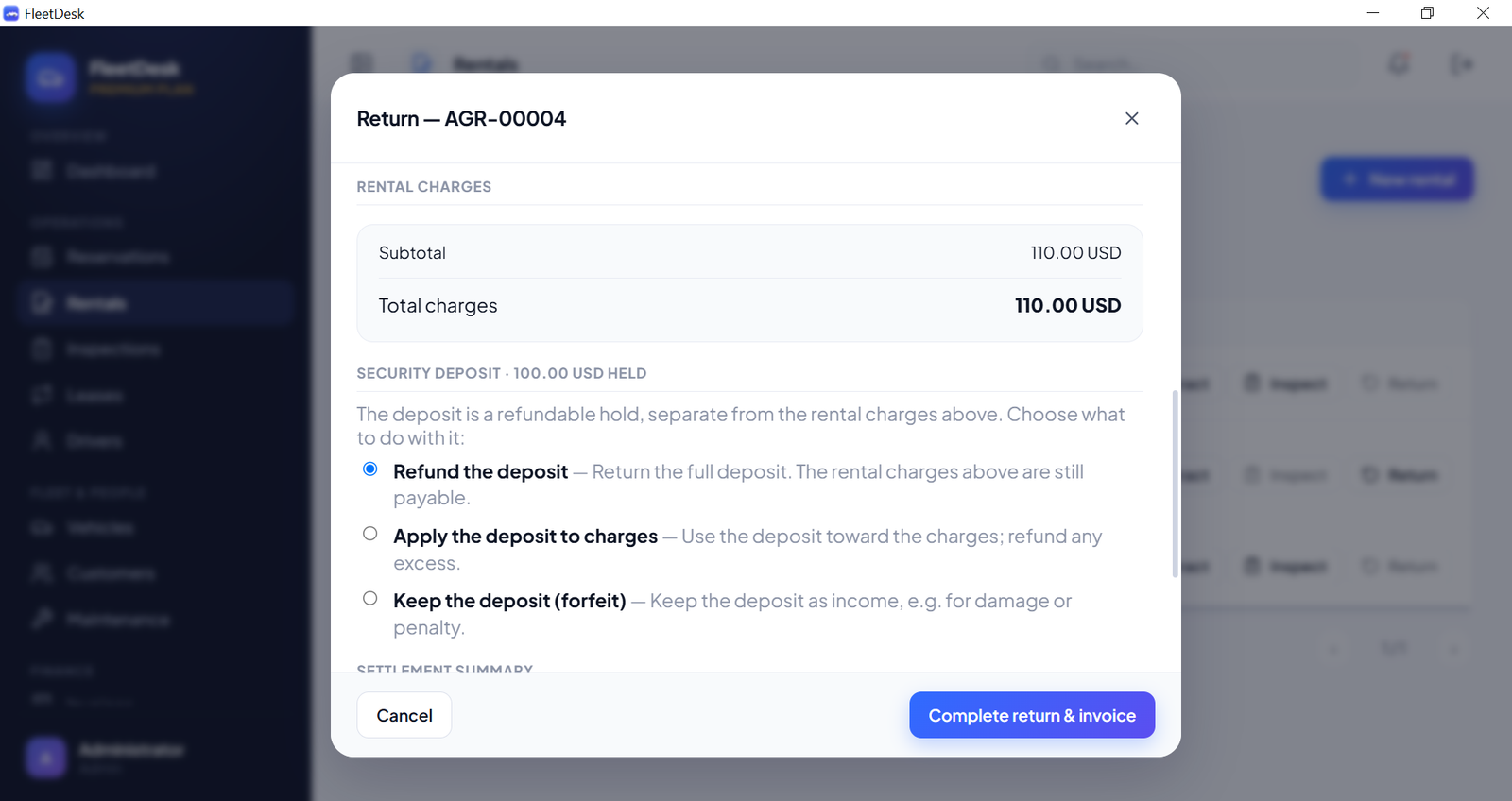
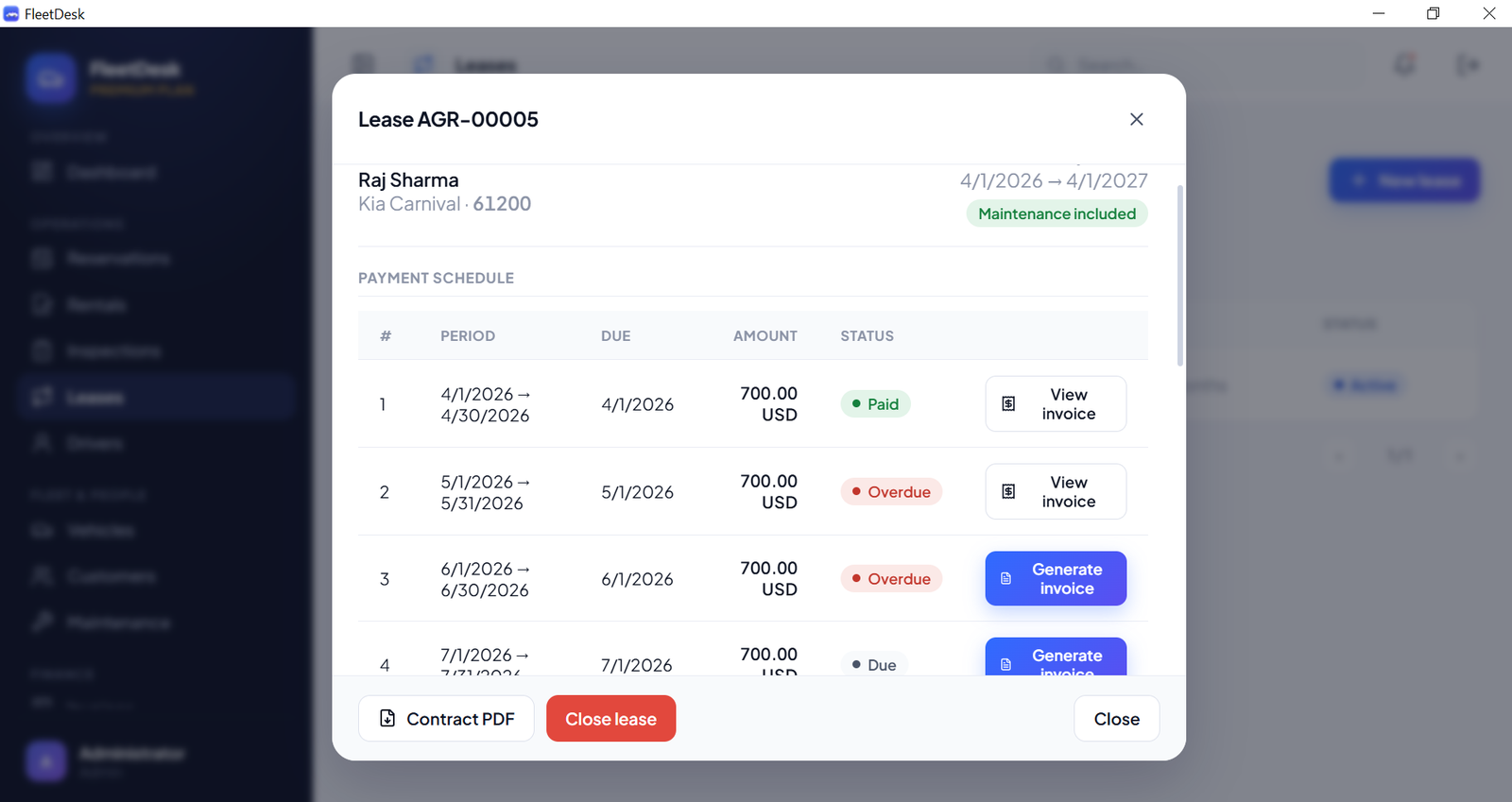
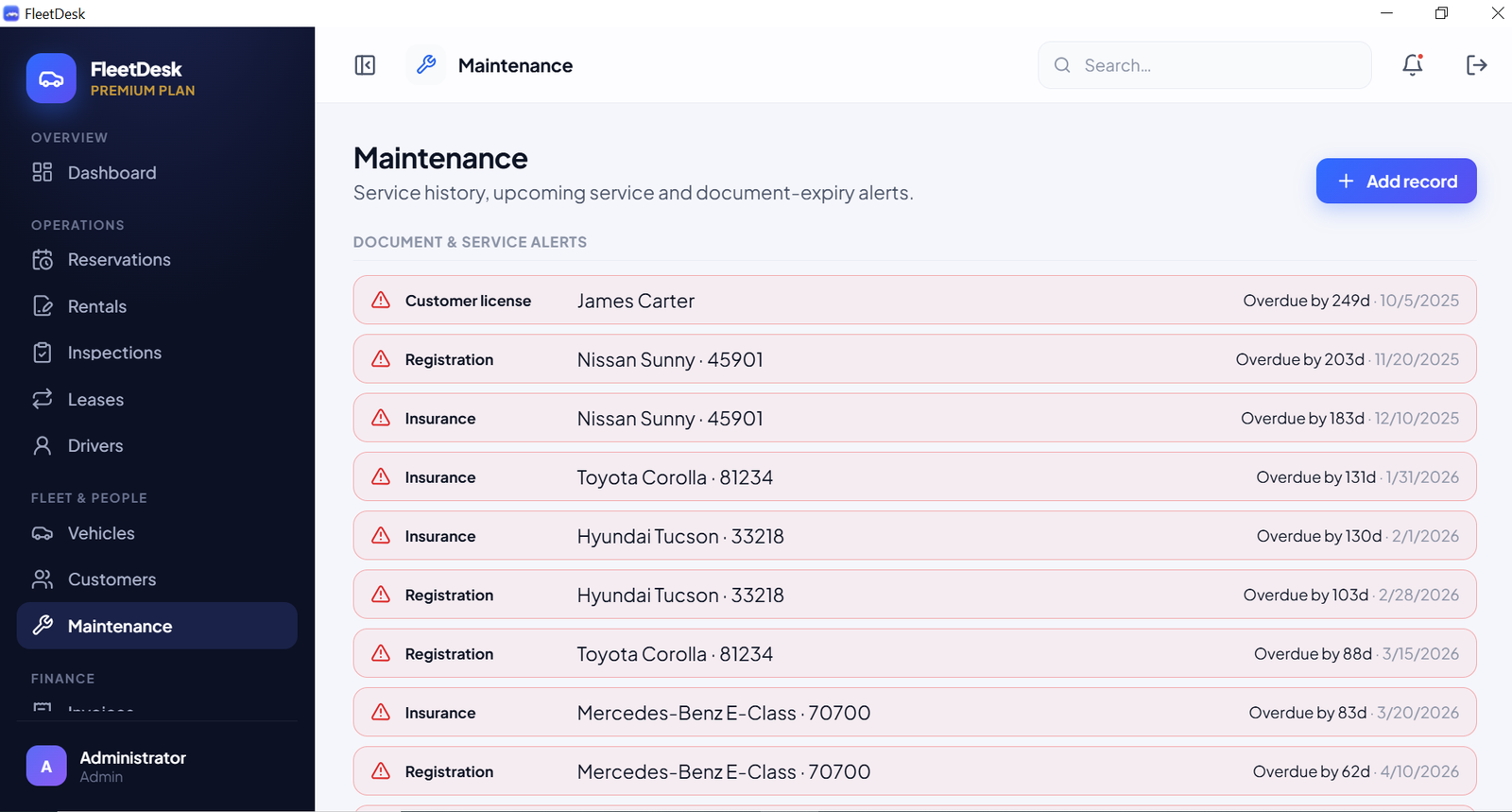
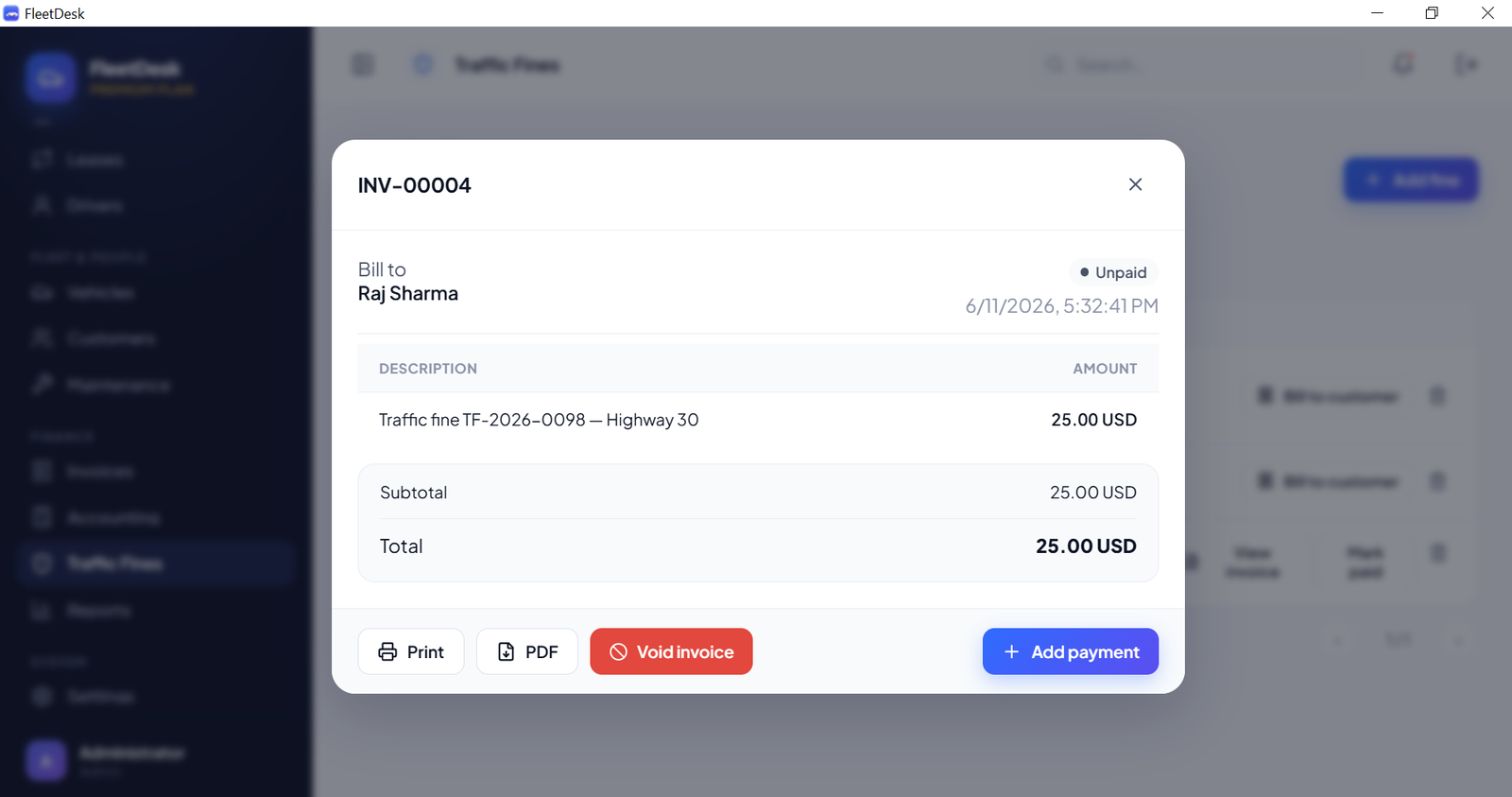
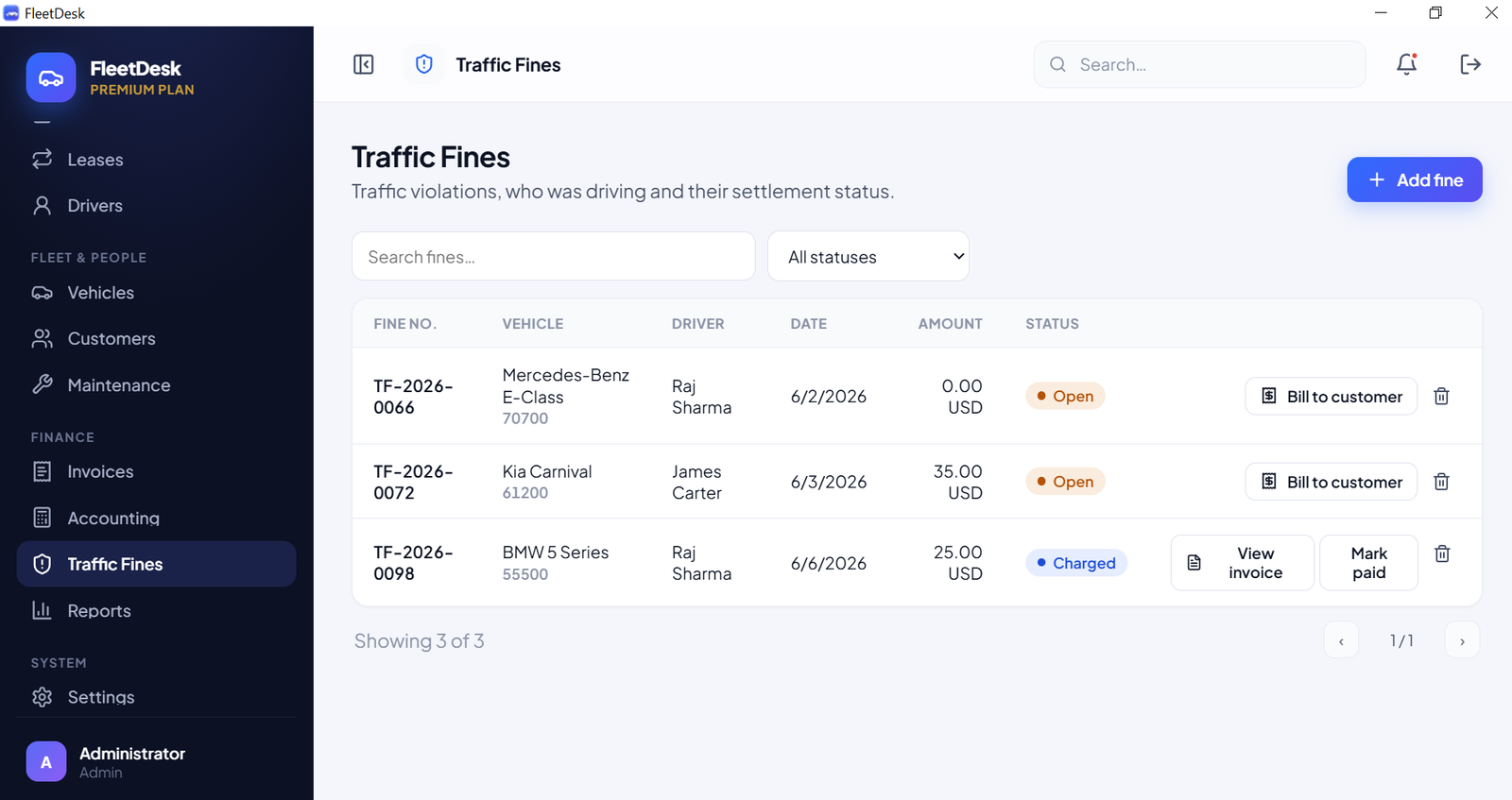
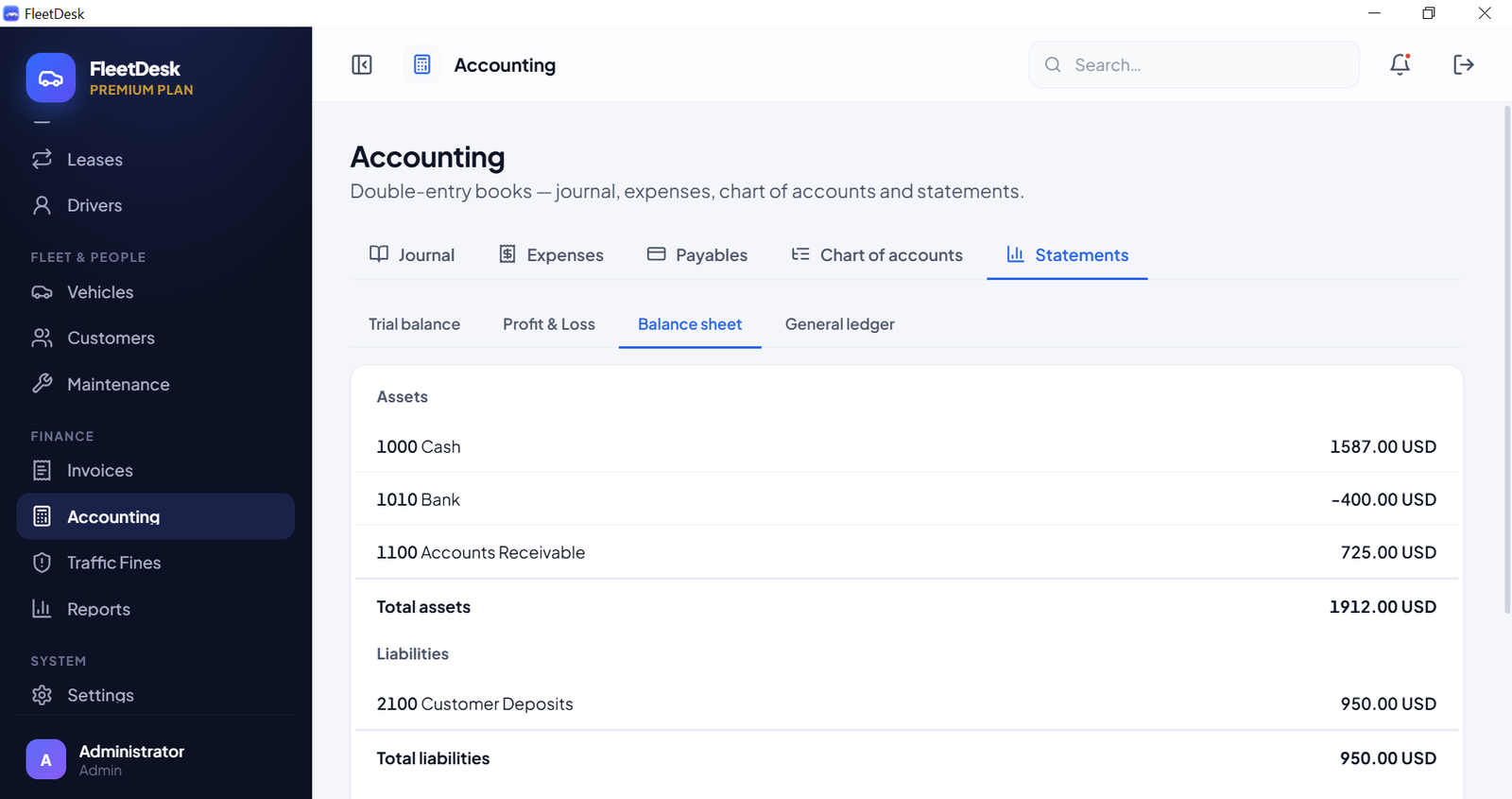
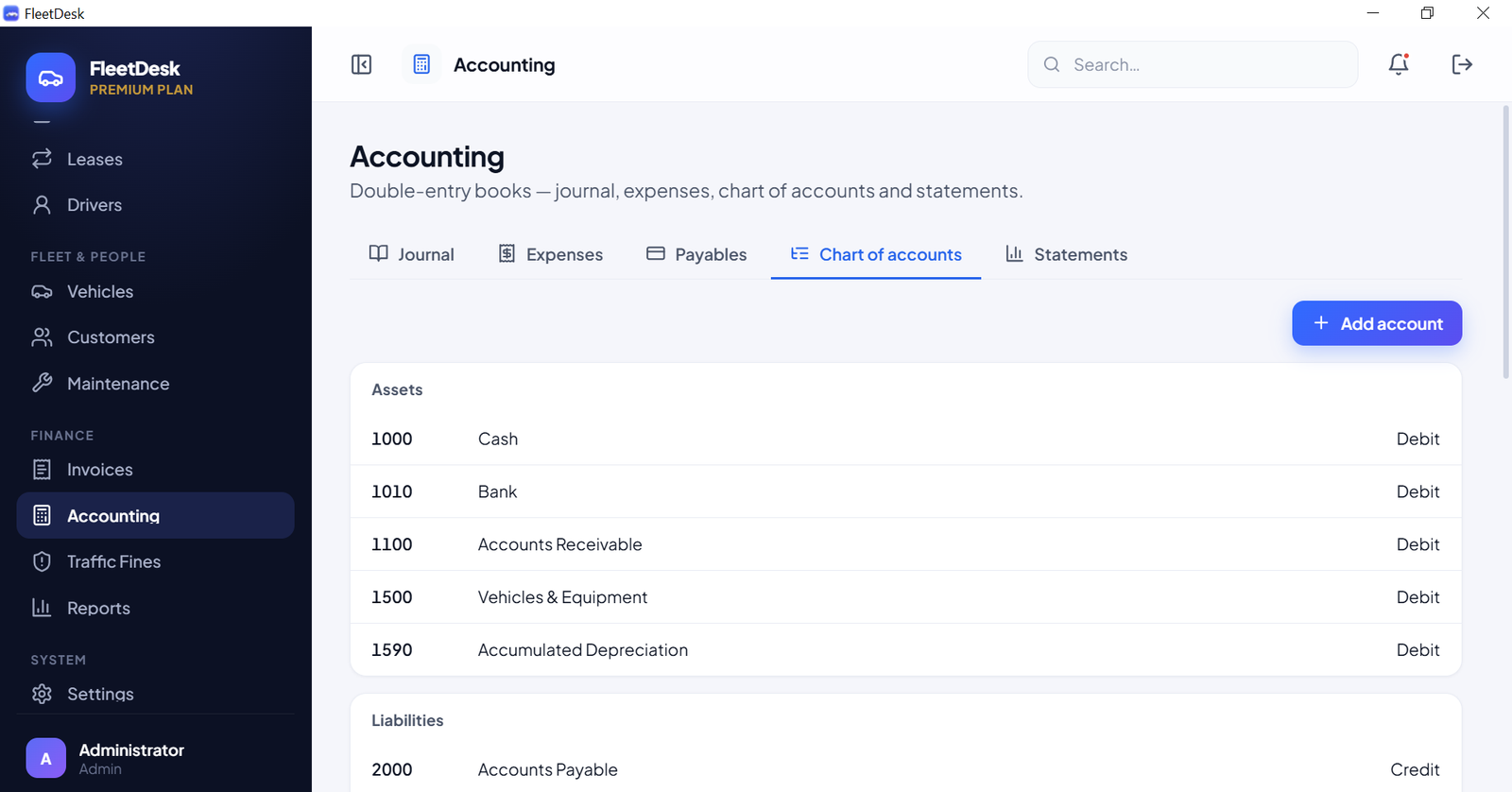
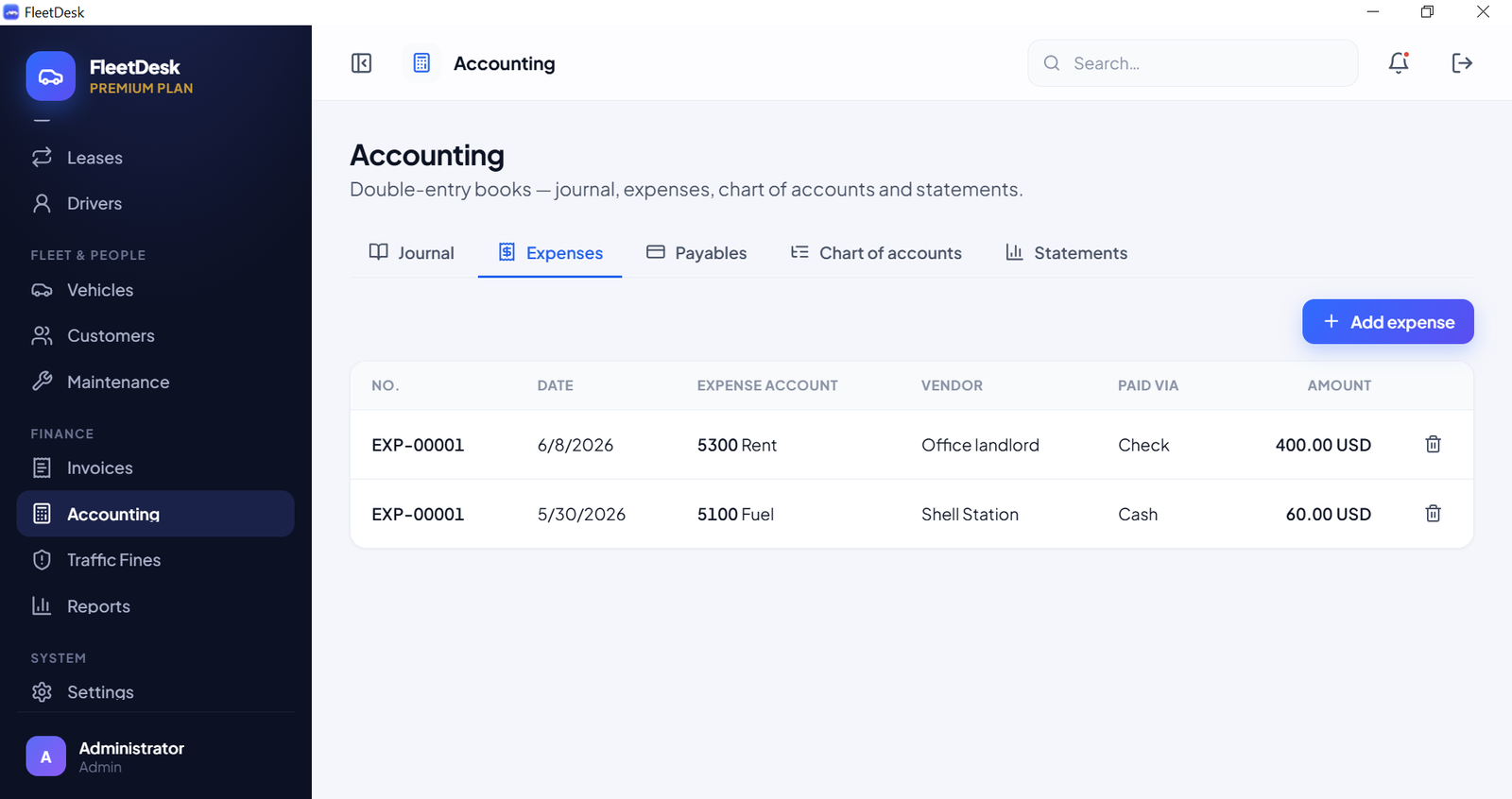
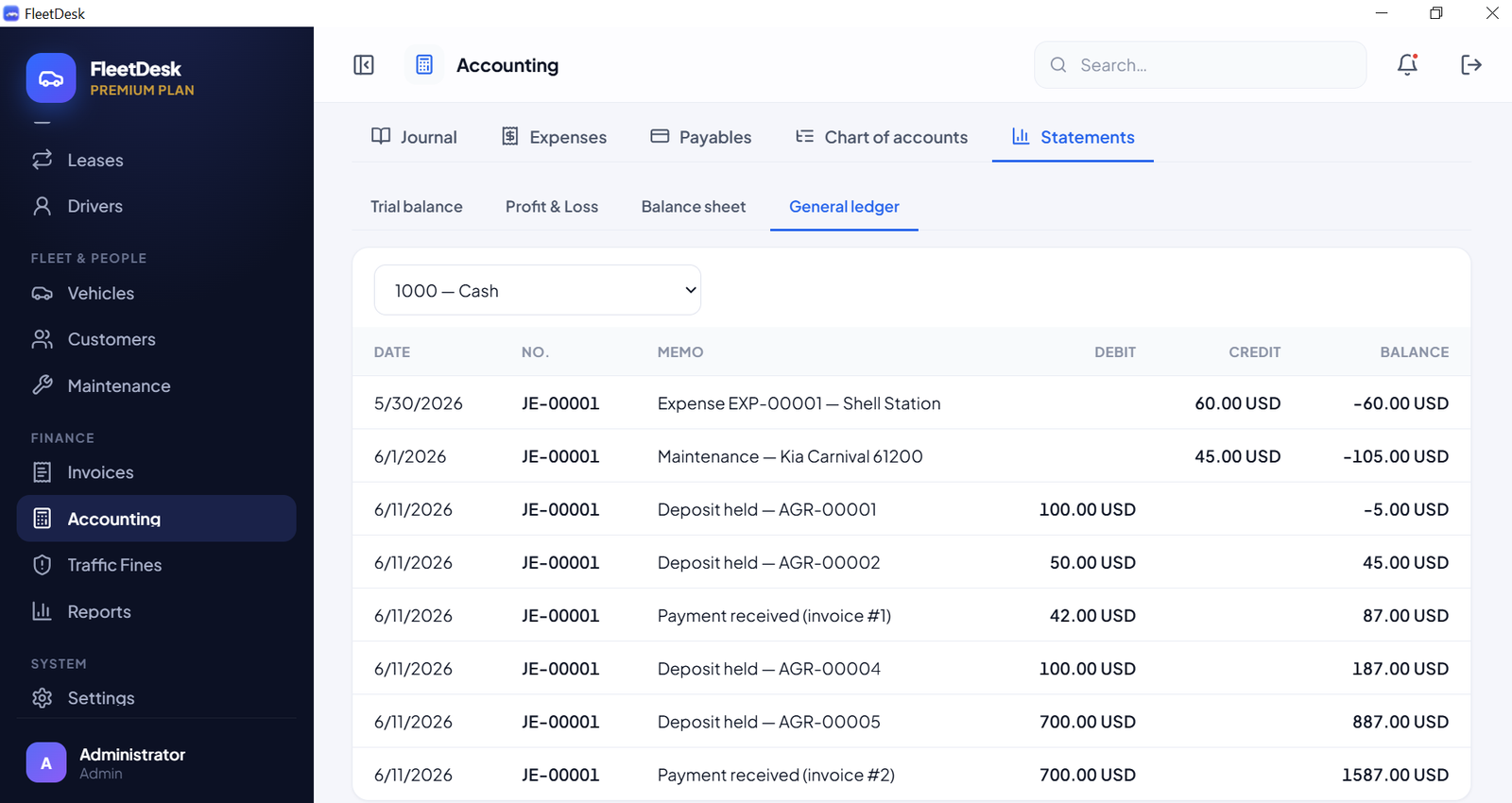
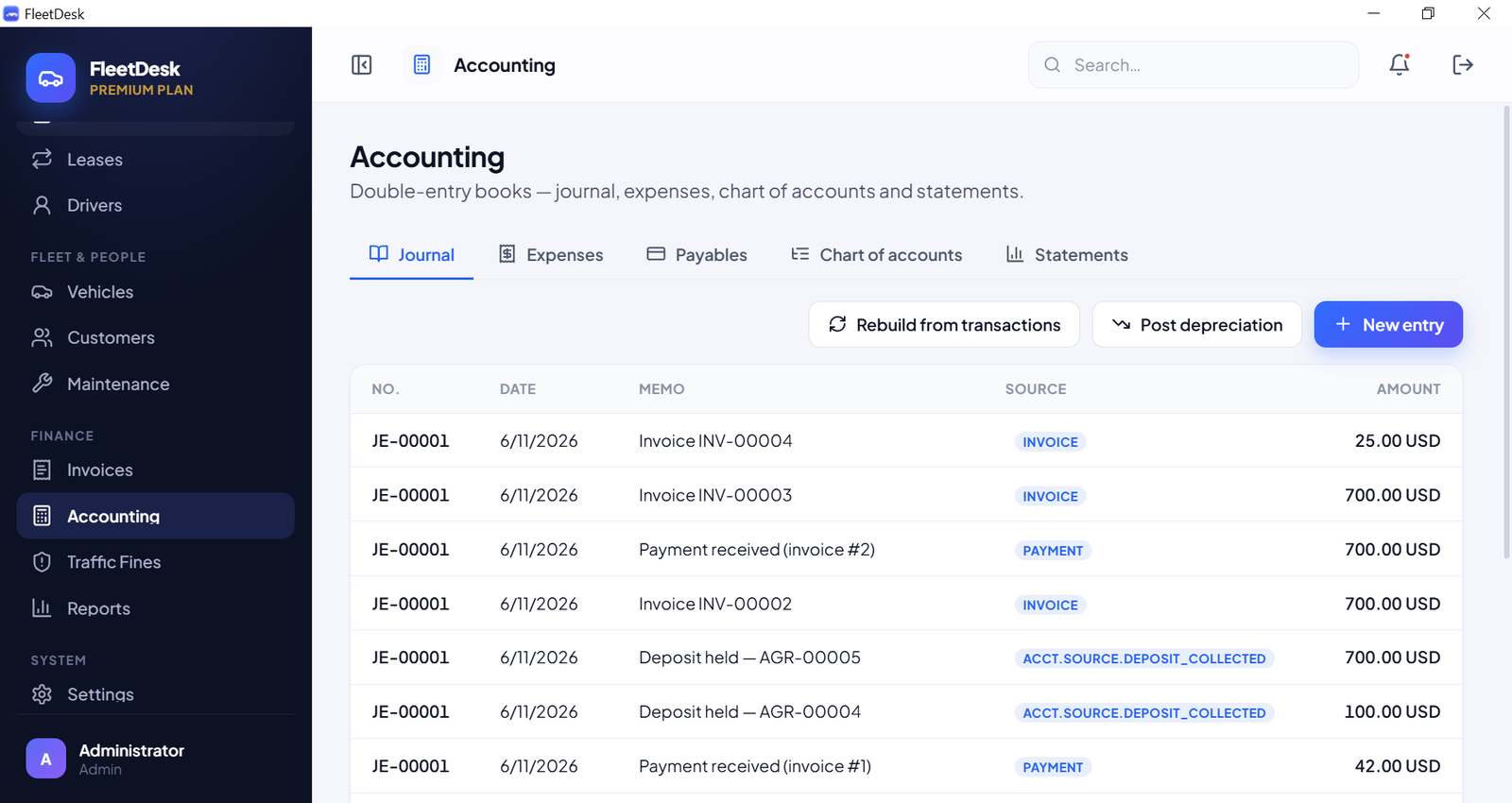
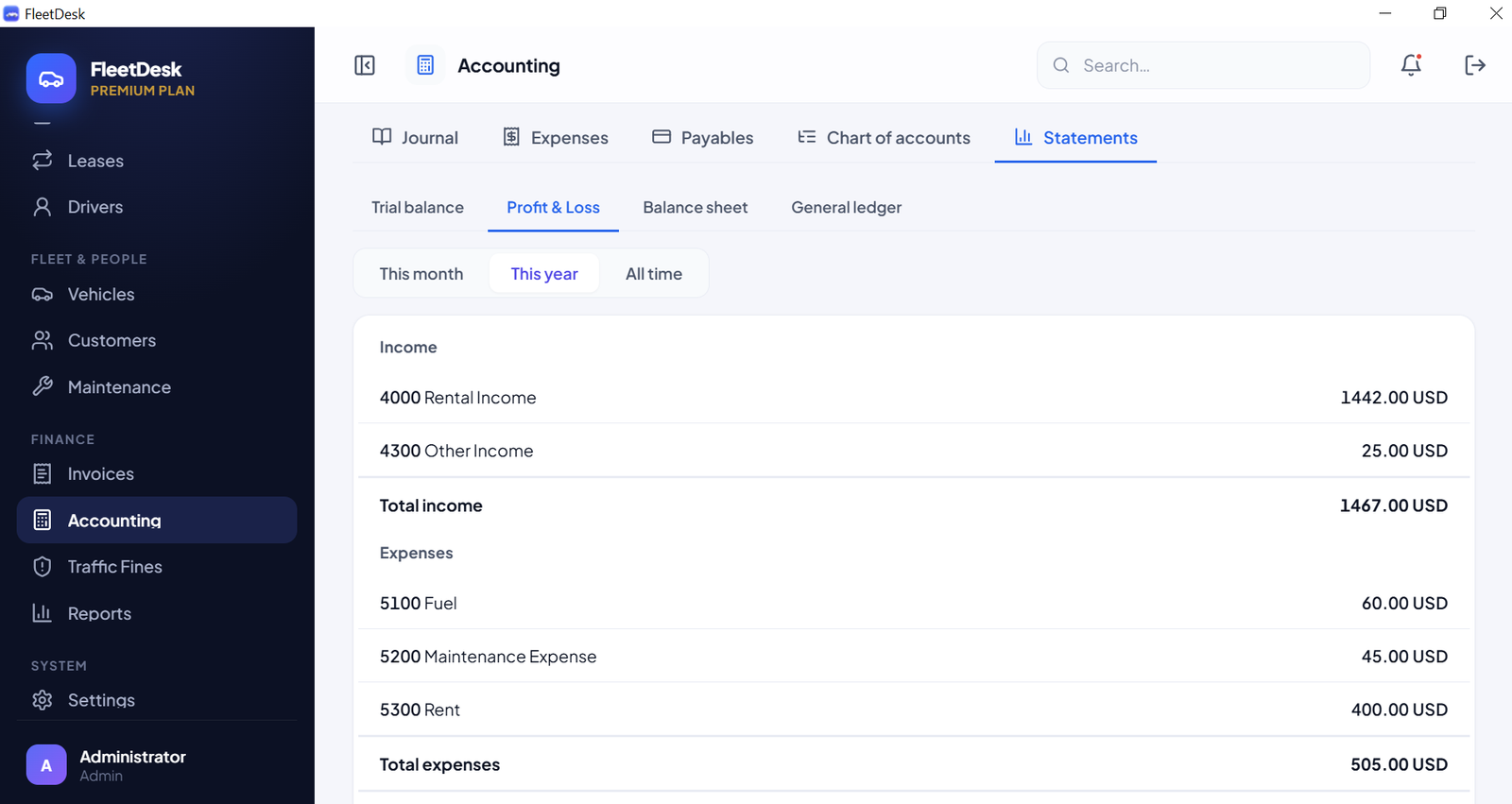
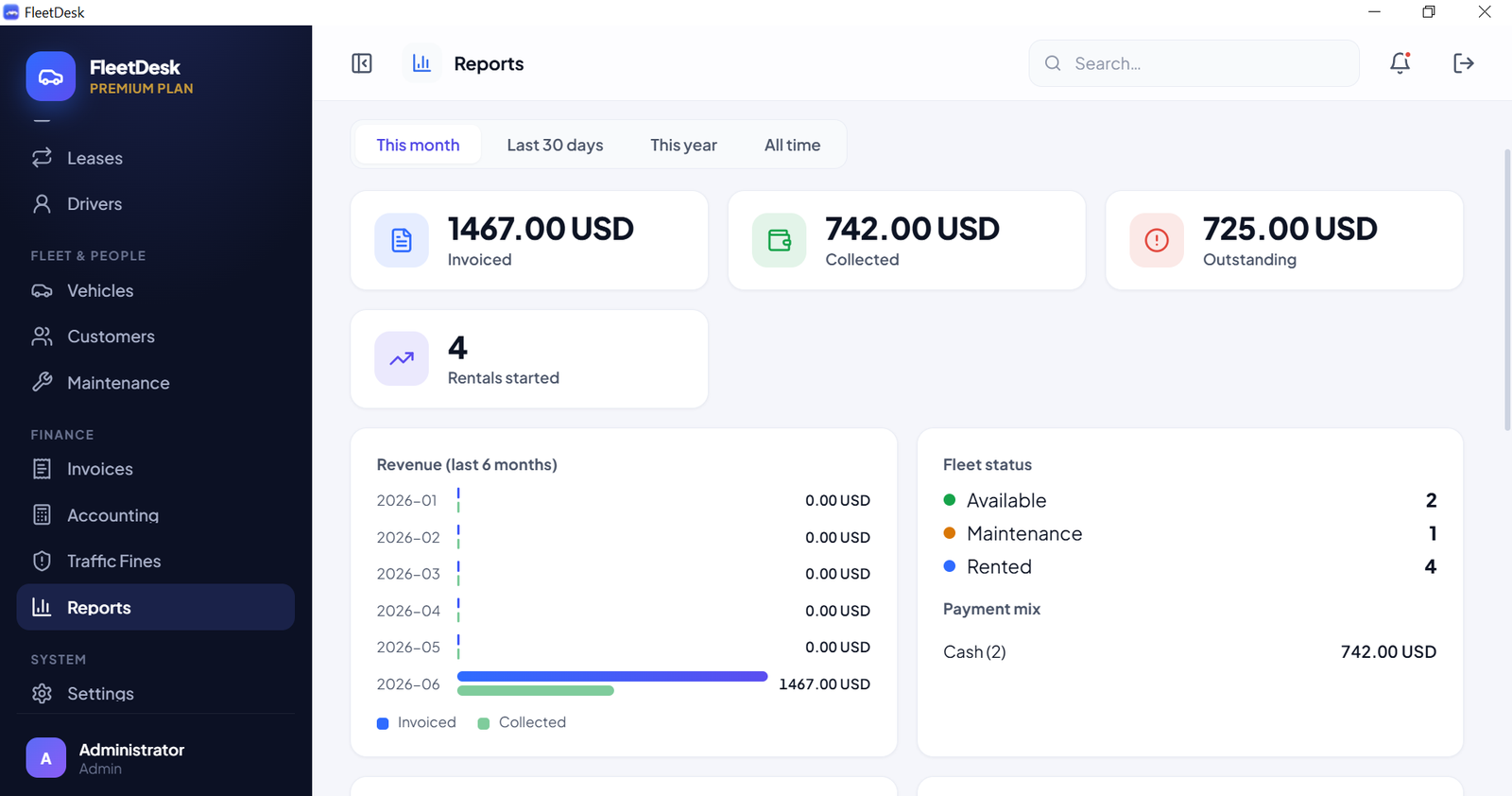
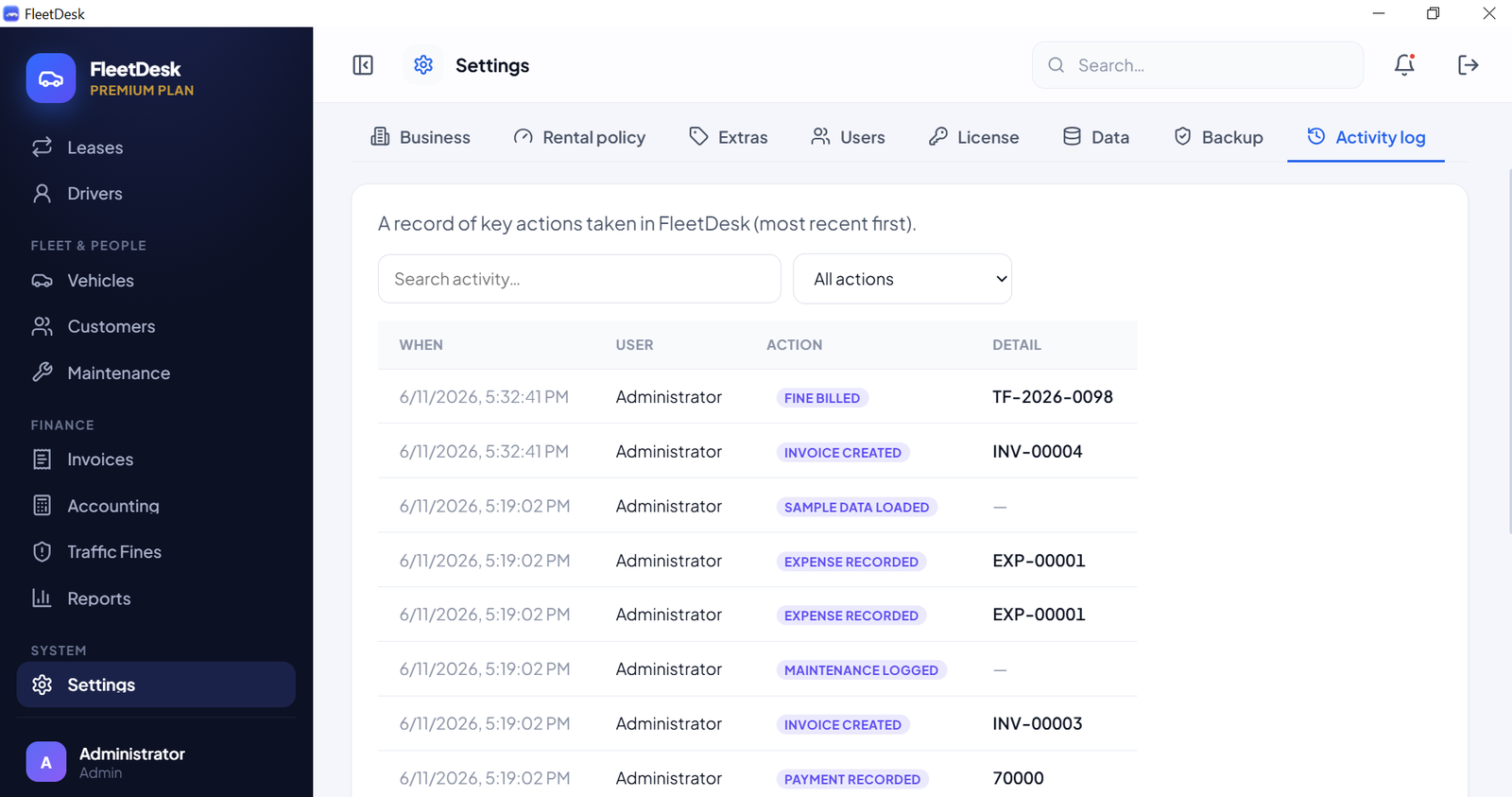
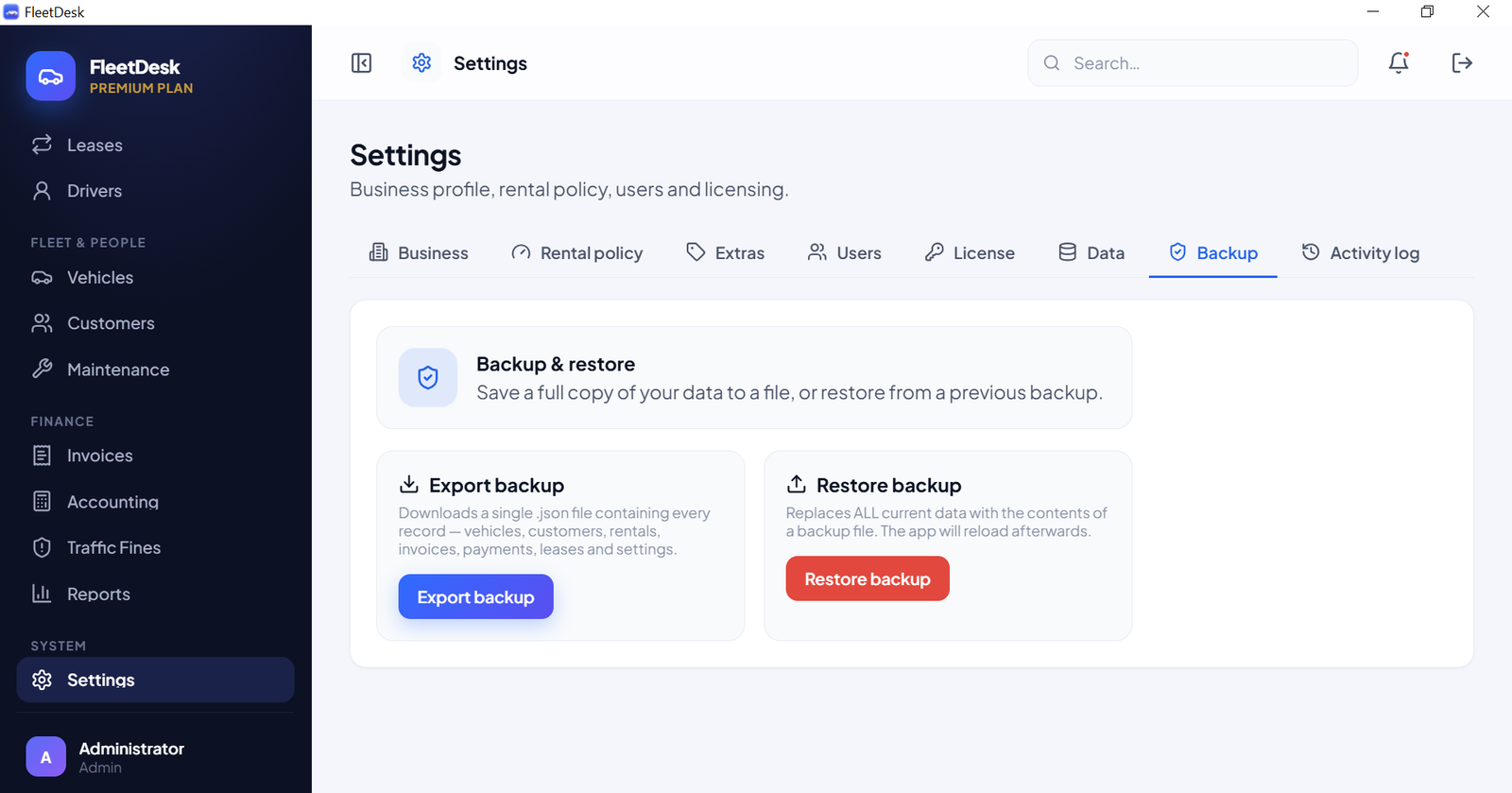
FleetDesk is a complete, offline-first Windows application for running a car rental, leasing, and chauffeur business — from the first reservation to the final invoice and the books behind it. Everything lives on your own computer, works without internet, and is fast enough for daily counter use. DASHBOARD - See active rentals, vehicles due back today, overdue rentals, upcoming reservations and available vehicles at a glance - Get "attention needed" alerts: expiring documents, overdue returns, outstanding balances and lease invoices due - Generate due lease invoices in one click VEHICLES - Maintain a full fleet register (make, model, year, plate, VIN, color, category, fuel, transmission, seats, odometer) - Set daily, weekly and monthly rates per vehicle - Track registration and insurance expiry, with automatic out-of-service when registration lapses - Record purchase cost, salvage value and useful life for depreciation - Search, filter by status and paginate CUSTOMERS - Manage individuals and companies (Personal ID, phone, email, driver-license details, notes) - Blacklist risky customers with a reason - Attach customer documents (upload, view, save, remove) - Keep a company driver roster - Search and filter DRIVERS - Maintain a register of chauffeur drivers (ID, passport, nationality, license, expiry, status) - Assign available drivers to chauffeur trips RESERVATIONS - Book vehicles ahead with automatic double-booking prevention and date validation - View a per-vehicle availability board - Convert a reservation into a rental in one step - Cancel and track reservation status RENTALS - Create short-term and chauffeur agreements with a guided 4-step flow - Choose day/week/month rate basis, quantity and rate; add driver fee and overtime for chauffeur - Add billable extras, record odometer/fuel out and take a deposit (with payment method) - Generate a branded rental/chauffeur contract PDF INSPECTIONS - Record check-out and check-in condition on an interactive car diagram - Mark damage points with part, severity and notes - Print a branded inspection report with the diagram and signatures RETURNS - Close a rental into an invoice with automatic charges (rental, extras, late days, excess mileage) - Add manual charges and discounts - Settle the security deposit: refund, apply to charges, or keep (forfeit) - Collect payment on the spot LEASES - Create long-term monthly contracts with a full payment schedule and fair mid-month proration - Generate each period's invoice (or all due invoices at once) - Produce a branded lease agreement PDF - Close a lease and free the vehicle MAINTENANCE - Track service and repair records with cost, vendor and next-service reminders - See document and service alerts before they expire INVOICES - View invoices with line items, VAT, totals, payments and balance - Print and export branded PDF invoices including the payment breakdown - Record full or partial payments (cash, card, cheque) - Reverse payments and void invoices with full control ACCOUNTING - Built-in double-entry general ledger that records every financial action automatically - Add manual journal entries; review entries by source - Post vehicle depreciation automatically (straight-line or reducing-balance) - Manage expenses, vendor bills and payments (accounts payable) - Produce Trial Balance, Profit & Loss, Balance Sheet and per-account General Ledger TRAFFIC FINES - Log traffic fines against a vehicle and driver - Bill a fine directly to the customer as an invoice - Track fine status from open to charged to paid REPORTS - Track invoiced, collected, outstanding and rentals started over any date range - See revenue by month, fleet status and payment mix - Rank top vehicles and top customers by revenue - Analyze profit per vehicle (revenue minus maintenance and depreciation) - Review receivables aging (current / 31-60 / 61-90 / 90+ days) - Export reports to CSV CONFIGURATION & DATA - Set your business profile, logo, tax/VAT rate and currency - Define rental policy and mileage limits - Manage staff accounts and roles - Back up and restore your entire database - Full activity log of every action - Works 100% offline — your data stays on your machine
Screenshots
1 / 28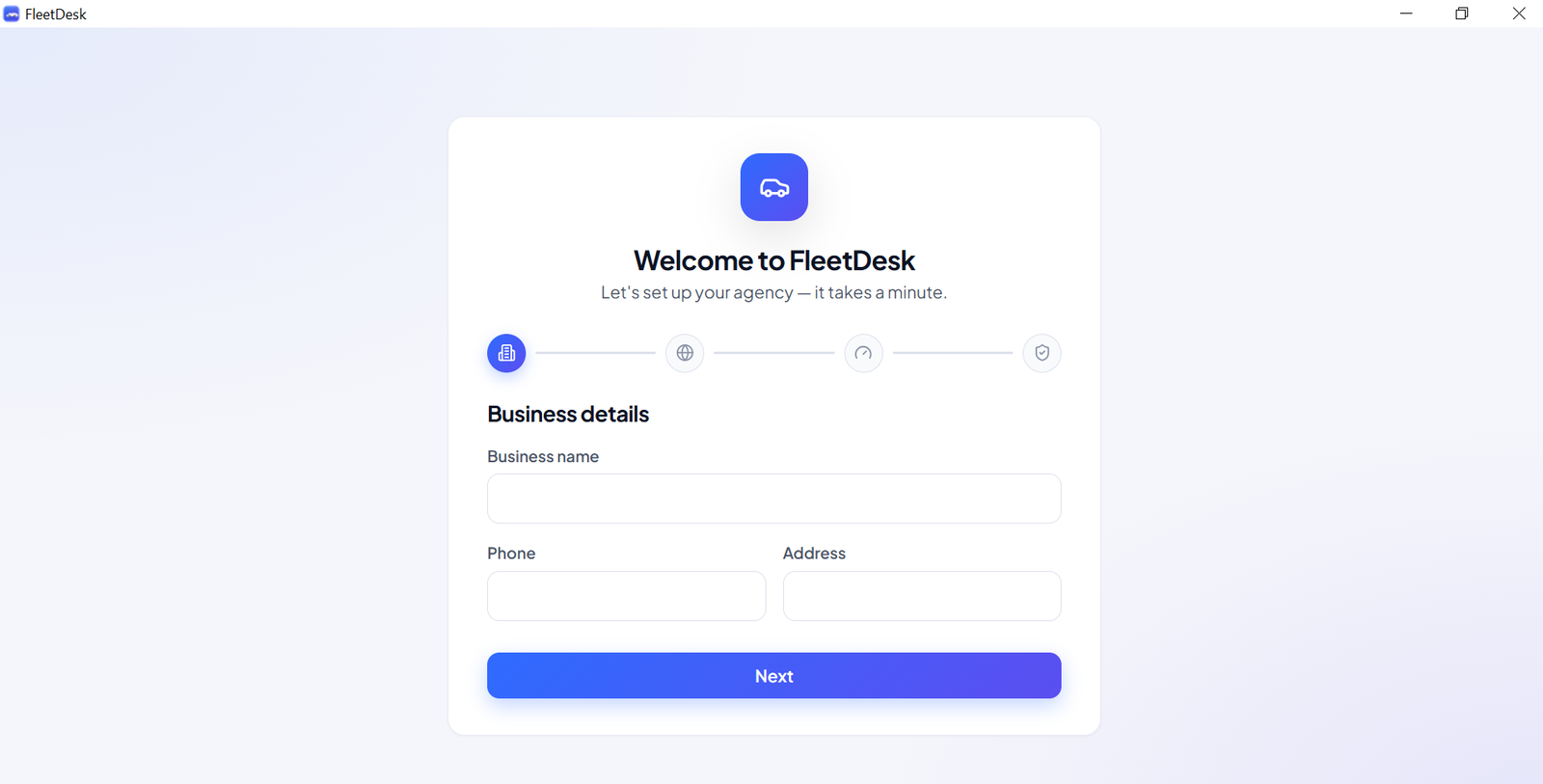
Changelog
Built to run your business safely
FleetDesk Car Rental is built so your operation never depends on anyone else's servers. Everything runs on your own machines, and you own your software and your data outright.
Your data stays yours
Everything runs on your own computer and your data never leaves it. No cloud account to depend on, nothing to lose access to — export your data anytime.
No lock-in, ever
A one-time license, not a subscription. Your software keeps working indefinitely and fully offline, with no recurring fees and no dependency on us.
Actively maintained
Regular versioned updates and fixes — the changelog above shows the ongoing update history.
Direct support
You email the person who builds the software directly and get a reply within 24 hours — not a ticket queue or a chatbot.
User reviews
1 reviewsWrite a review
Download FleetDesk Car Rental and we'll email you a link to leave a review — no account needed.
Jeyy
1 week ago
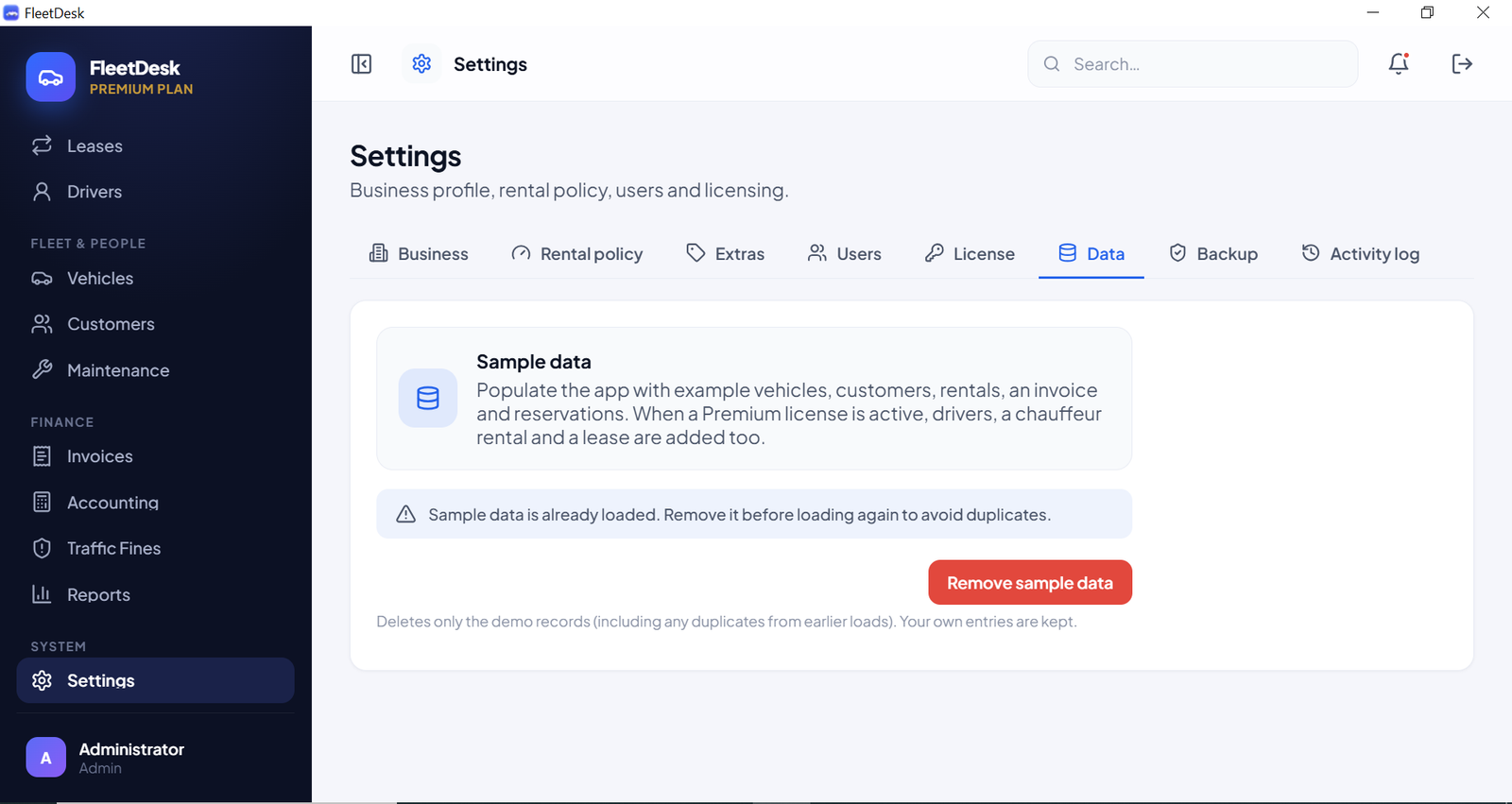
Professional app. I just want to ask if I add my rental data and after that I load the demo data for testing the functionalities. Does my original data go away when I remove the demo data?
Team reply
Thank you for your kind words. After you unload the demo data, the data you created before adding the demo data stays as it is and will not be removed with the demo data.
Stay in the loop on FleetDesk Car Rental
Get an email about new features and limited-time discounts on Premium. No spam — unsubscribe anytime.